App area
Chat
The conversation that belongs to one specific plan.
Every plan has its own Chat. Open it from Plan Details or with the message icon on a plan card.
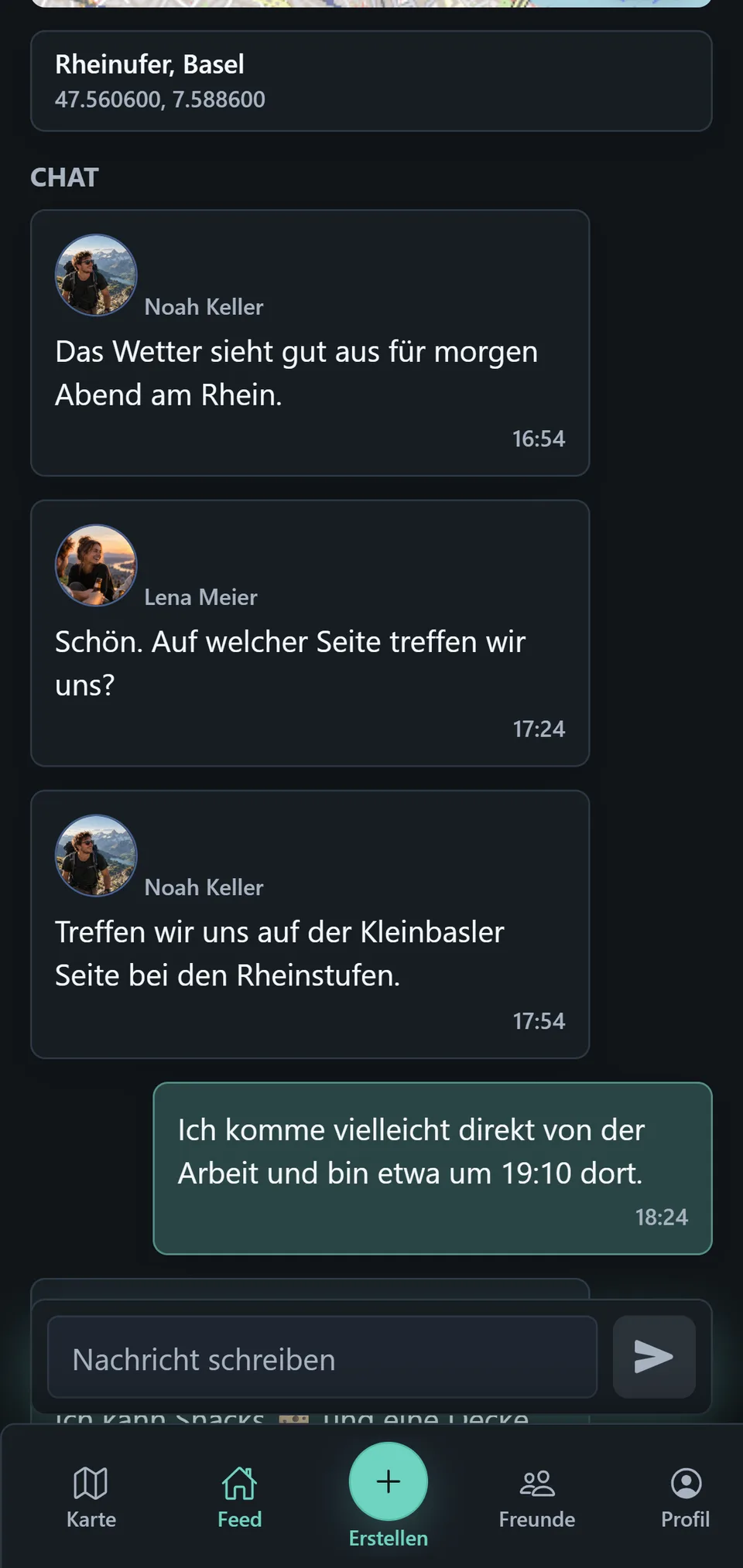
Messages show the avatar of the person who wrote them. Your own messages appear as your contributions in that same conversation. Type into Write a message and choose Send to add to the plan.
An unread message can be marked on a plan card. Opening the chat marks that message state as seen. Plan updates and messages are separate, but both belong to the plan’s current state.
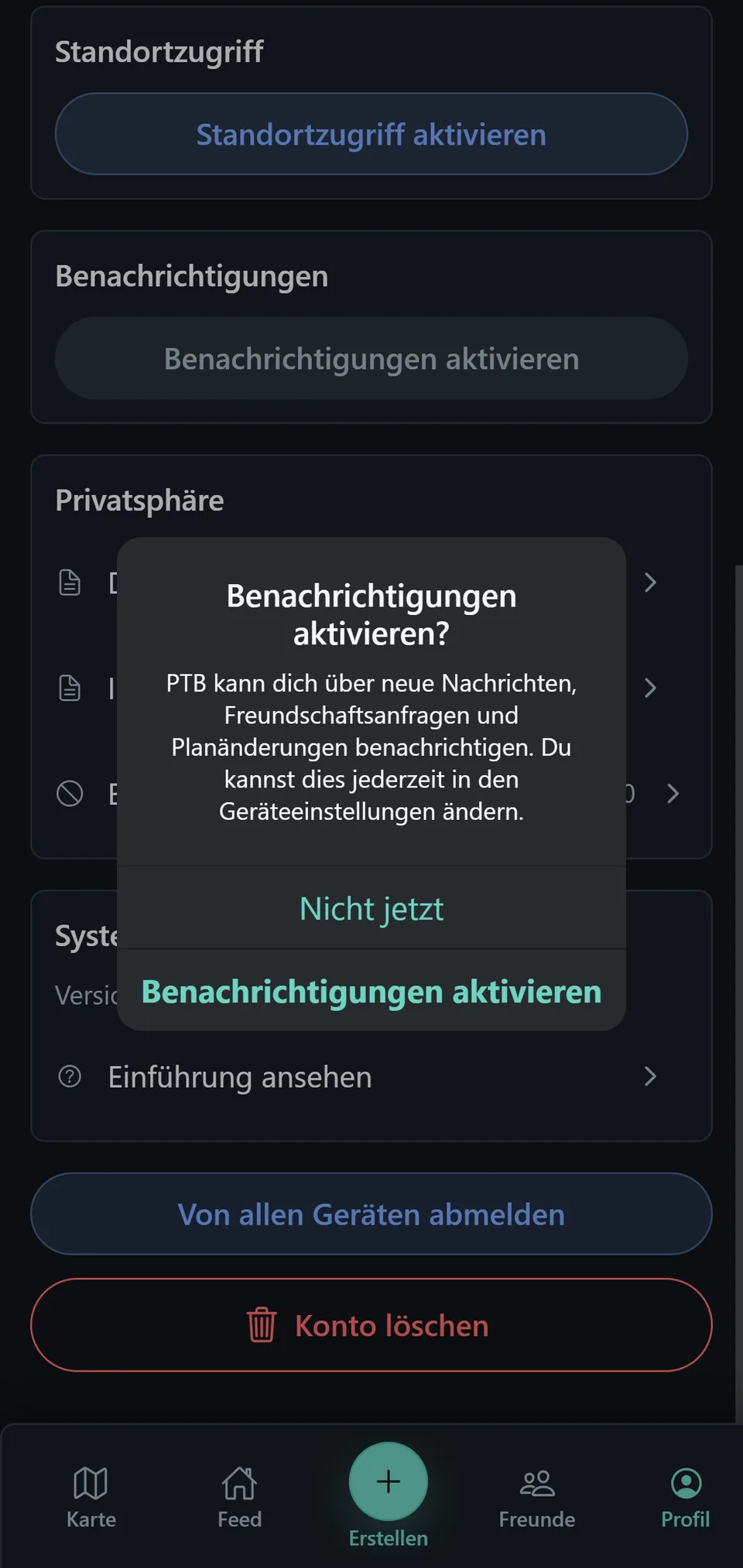
When Notifications are allowed on your device, PTB can notify you about new messages, friend requests, and plan updates. Manage that permission in Profile or in your device settings.