
Guide
Create your first plan
Share an idea with a time, place, and audience for your circle.
A plan can start small: an idea and the people who should see it. You can add a time, place, and message now or make it more concrete later.
Start with an idea
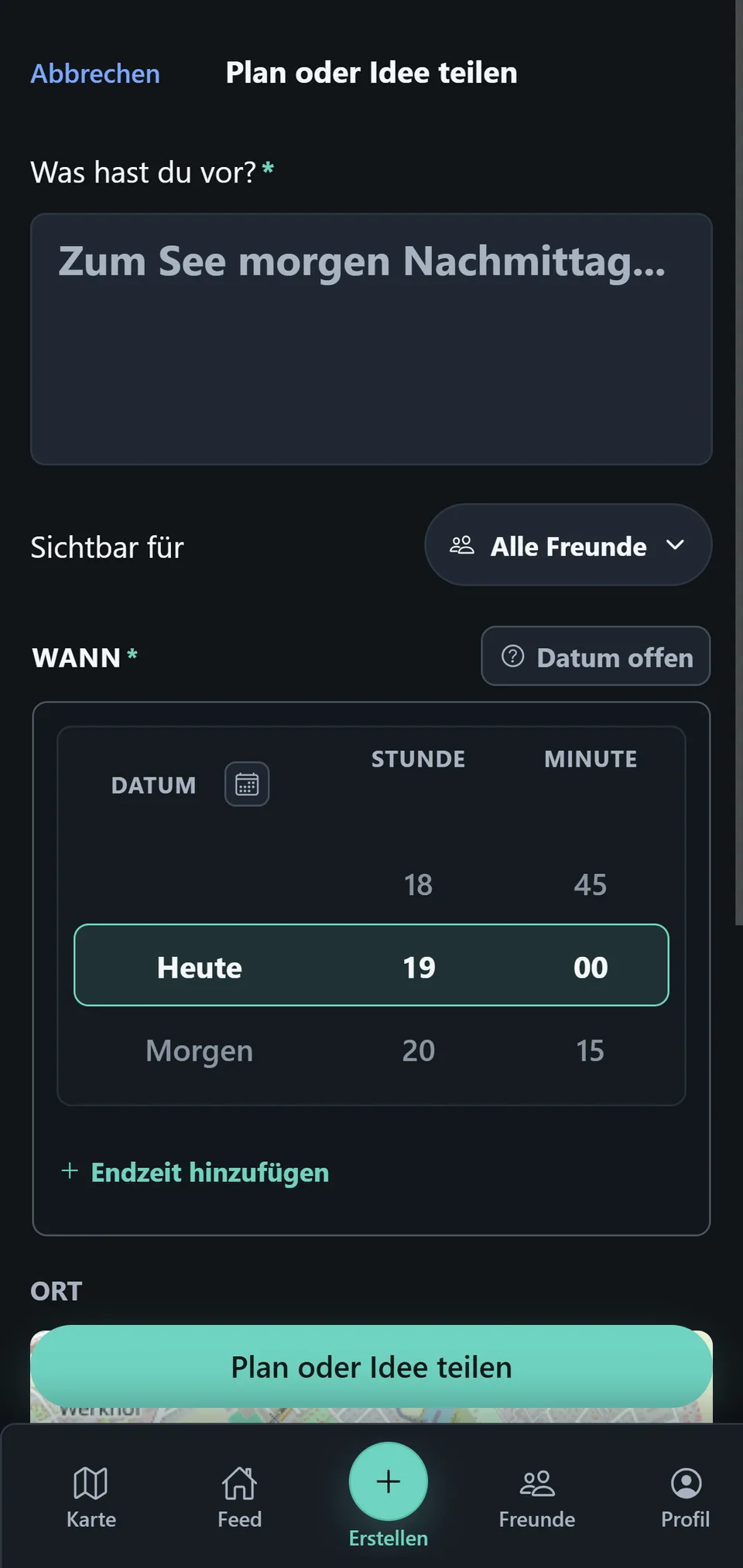
Open Create plan and use What are you up to? to say what you feel like doing. A short, clear idea is enough.
Choose time, place, and visibility
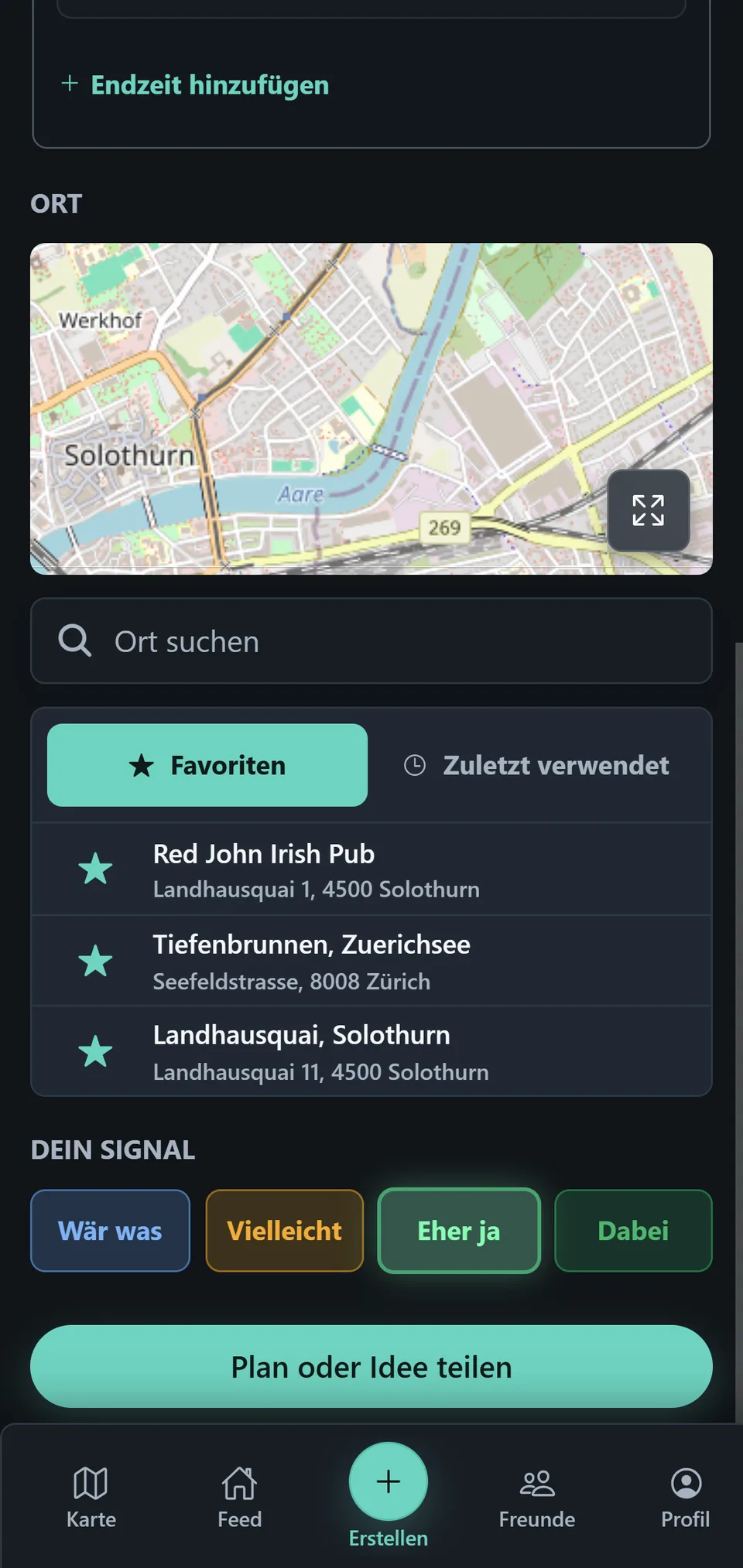
Under When, choose a date or leave the date open for now. Add a place and choose under Visible to whether All Friends or selected Groups can see the plan.
Share your plan
Tap Share plan or idea. The plan then appears for the selected audience; its signals, messages, and updates are available in the Feed and Plan details.