App area
Create Plan
Share an idea step by step with a time, place, message, and audience.
Create plan turns an idea into a visible plan. The required part is deliberately small: describe it under What are you up to? and choose who can see it.
Time and end
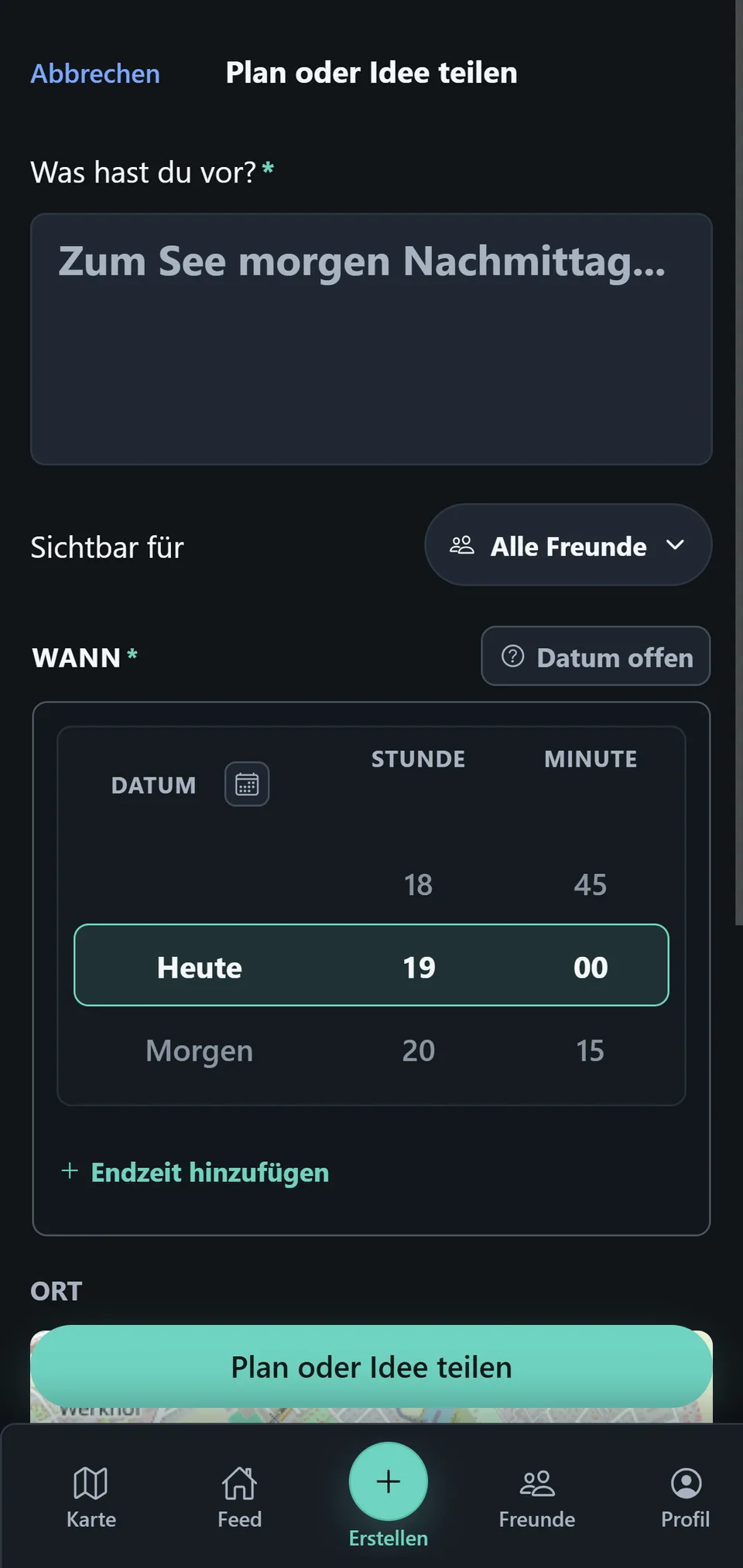
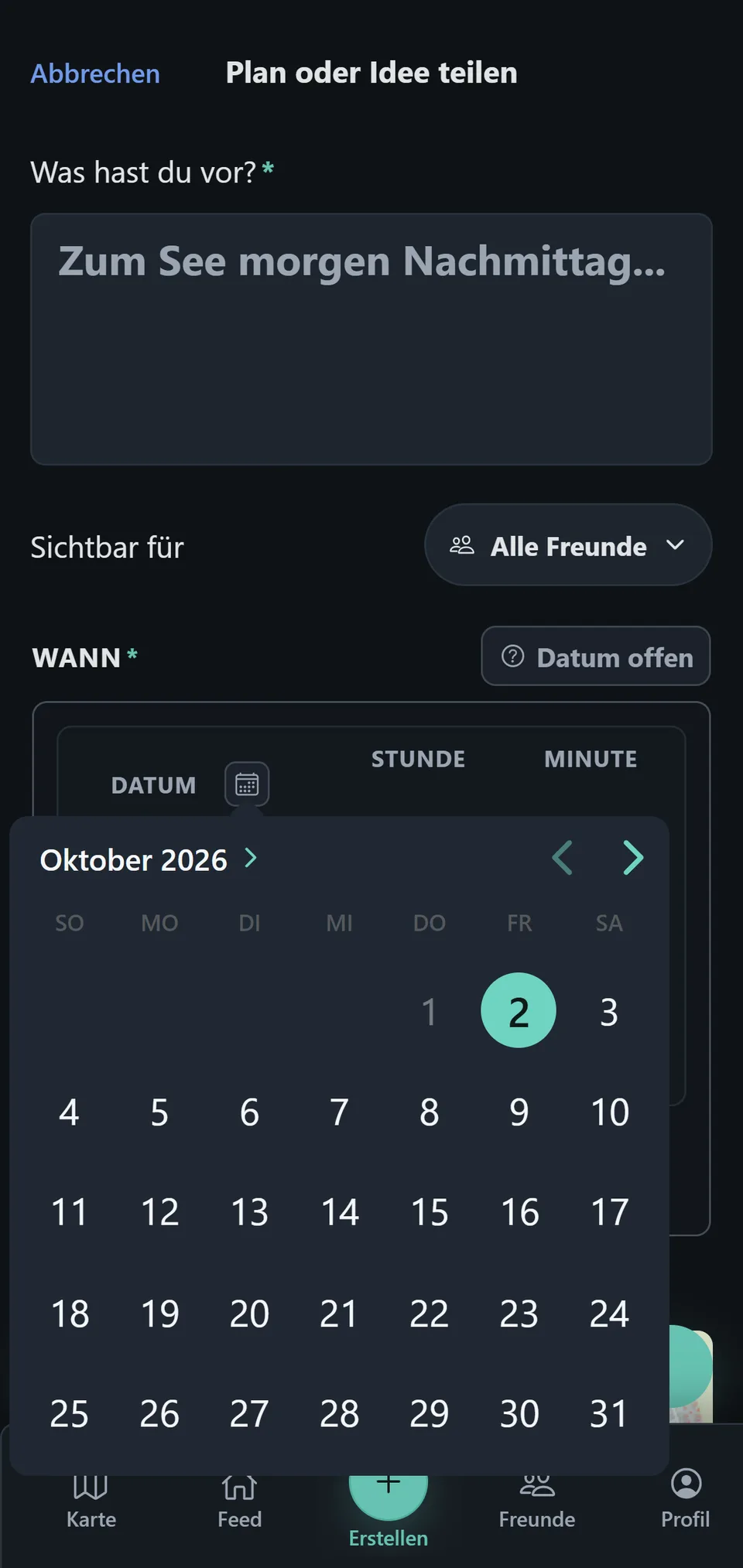
Under When, select the start date and start time. The calendar jumps directly to a particular day; the wheels set the hour and minute. Date TBD keeps a plan without a concrete start for now.
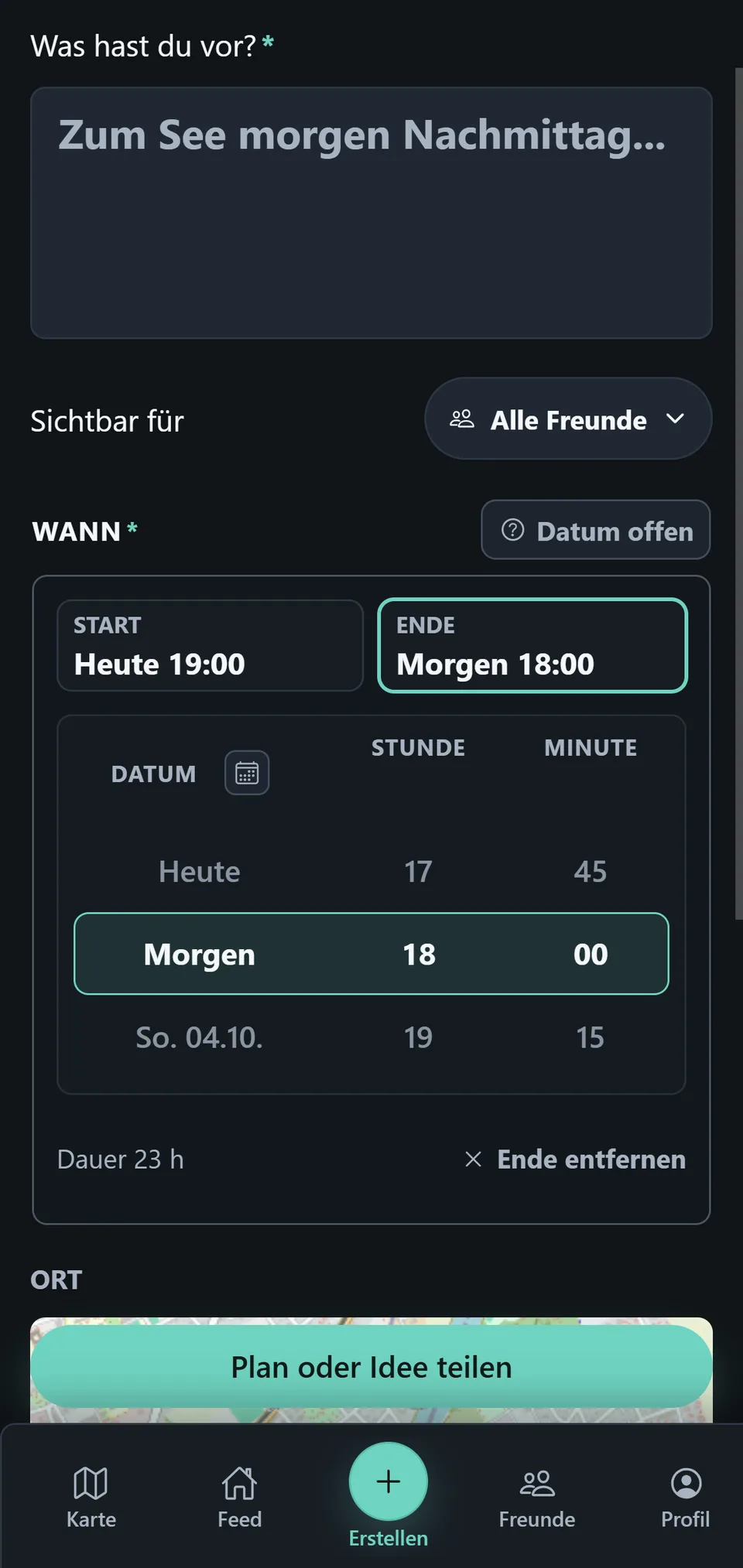
Use Add end time to include an optional end. You can then choose a distinct end date; start and end must form a valid interval.
See Date & Time for the full behavior.
Place, message, and visibility
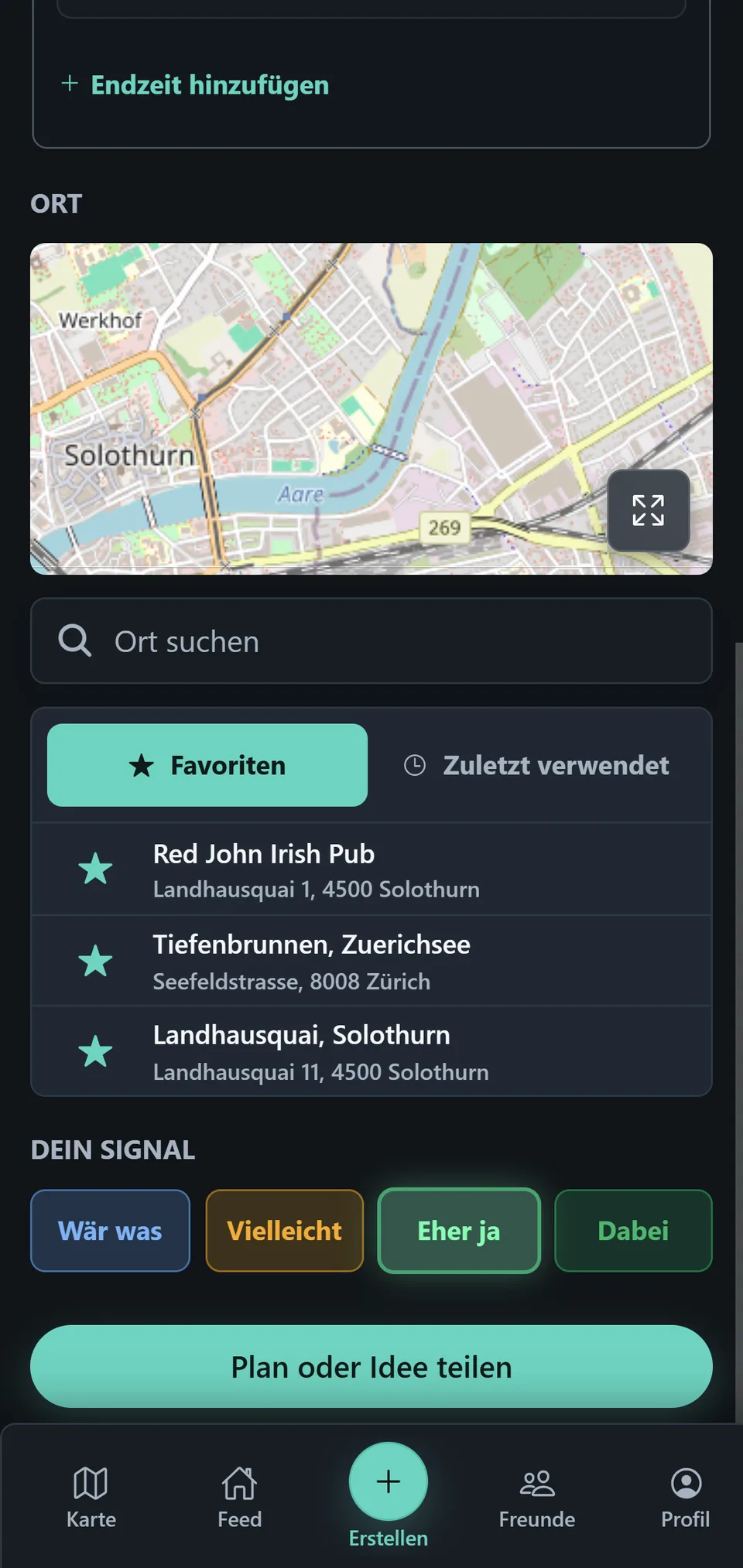
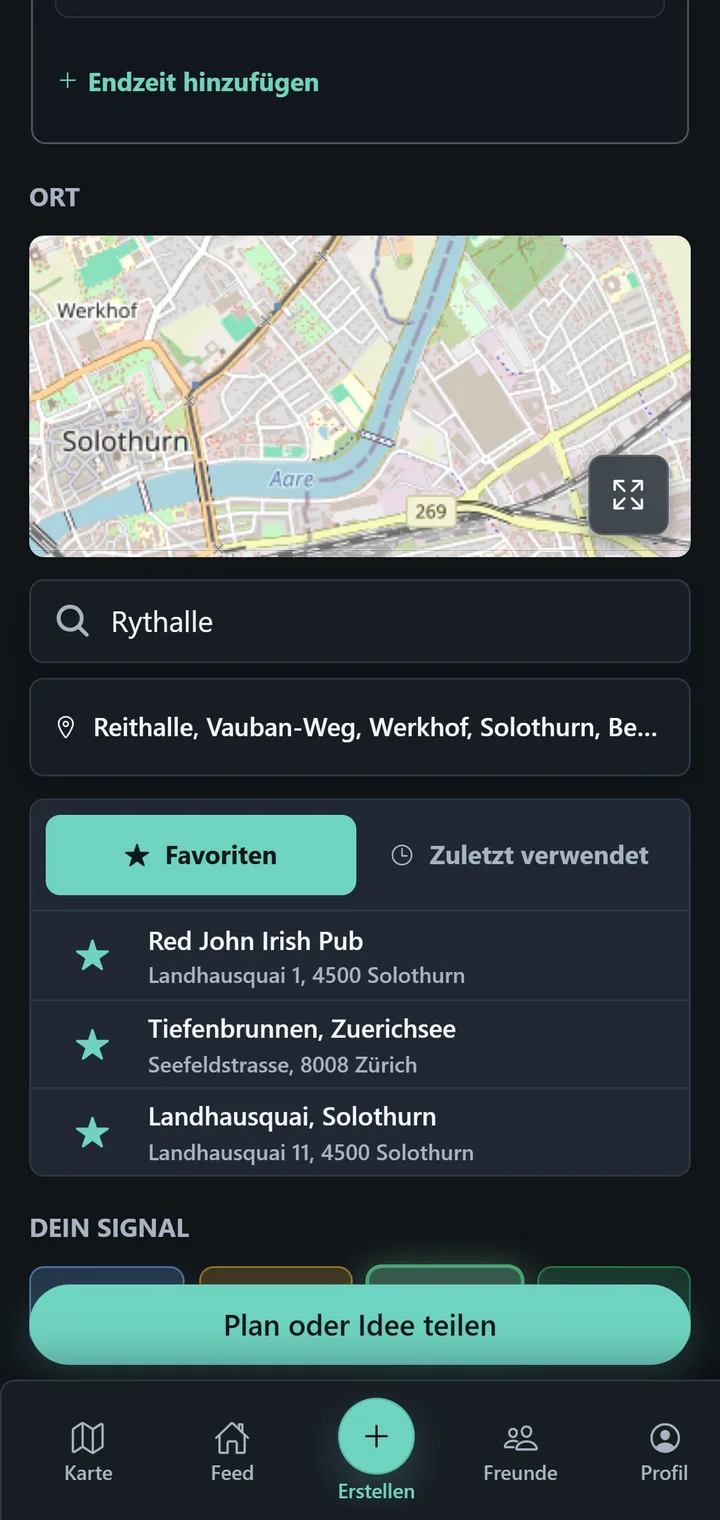
Search for a place under Place and select a result. You can add an optional message to make the context clear straight away.
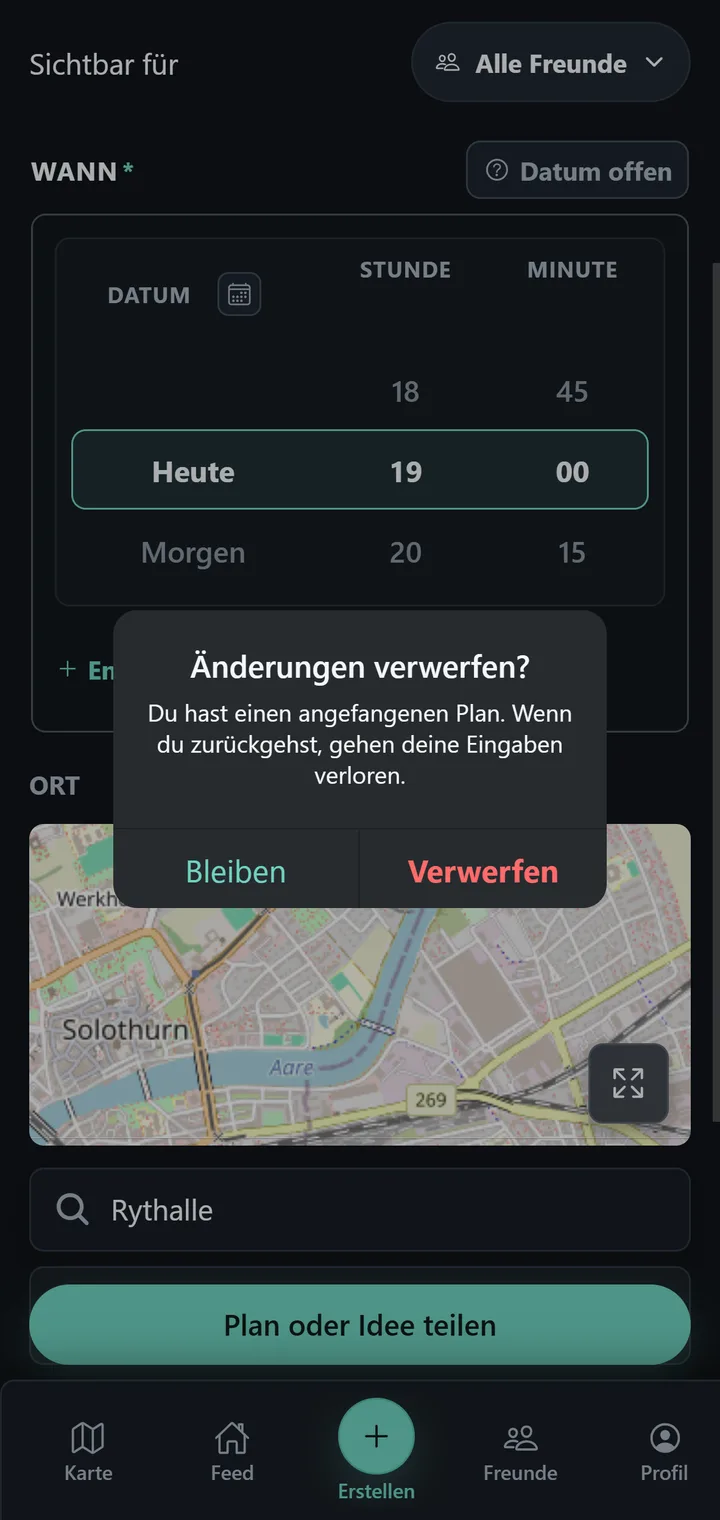
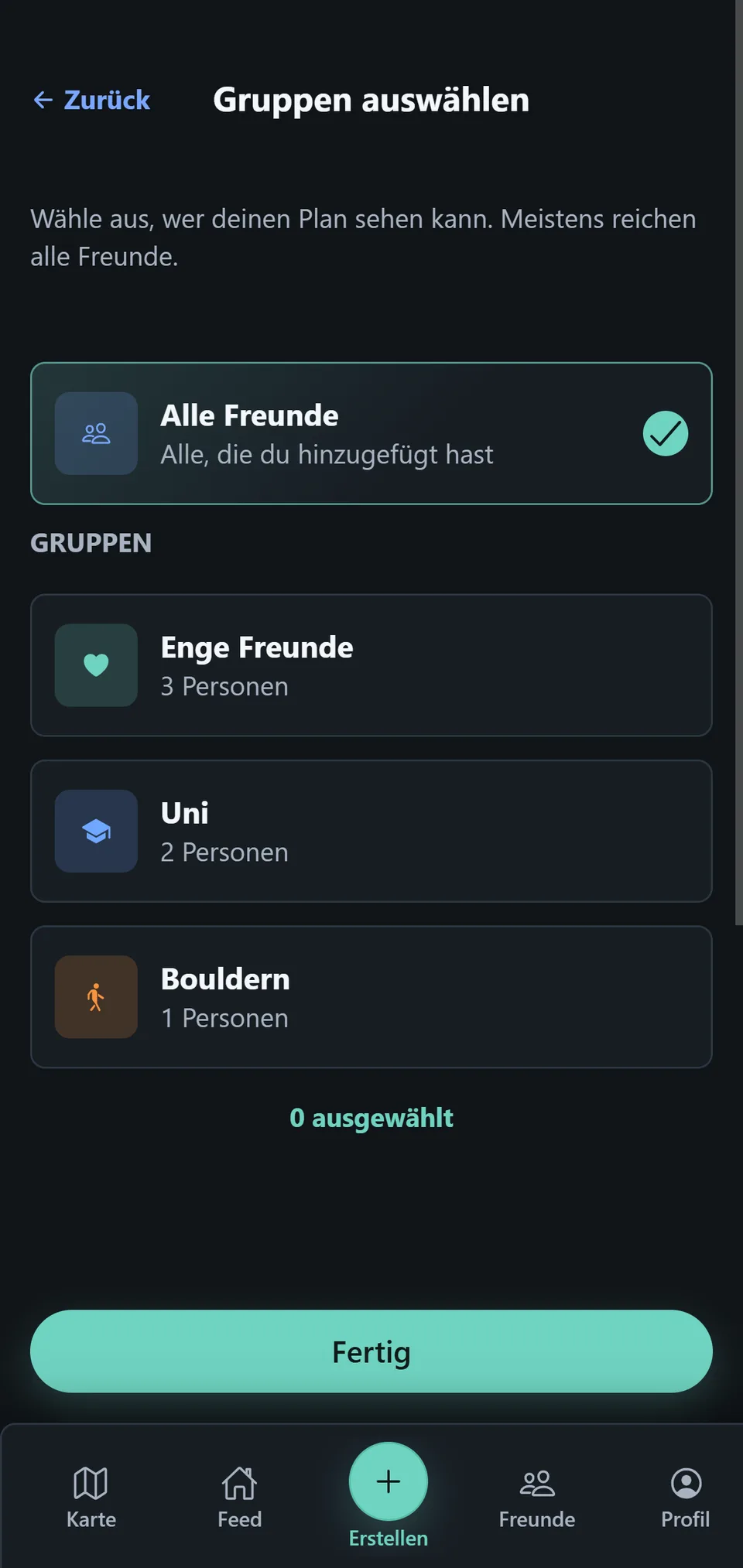
Under Visible to, choose All Friends or Groups. Groups limit a plan’s audience; they are not a chat.
Share
At the bottom, check the selection and tap Share plan or idea. People in the selected audience can then see the plan and react with Your signal.