
Guide
Privacy & Trust
The current controls for profile, contacts, places, plan visibility, and blocking.
PTB presents controls where you need them. For every plan, you decide who can see it and which place belongs to it. This page describes the currently visible features. It does not replace the formal Privacy Policy.
Profile and friends
In Profile, edit your name and profile picture. Under Friends, decide who you add. You share plans with the friends or groups you choose. Contact access is used for Find in contacts and remains a device permission that you can manage.
Places and plans
A selected place belongs to one specific plan. You can add a place, a rough area, or no location. Device location access centres the Map and shows nearby plans. It is separate from a plan’s place and does not make your location a permanent status.
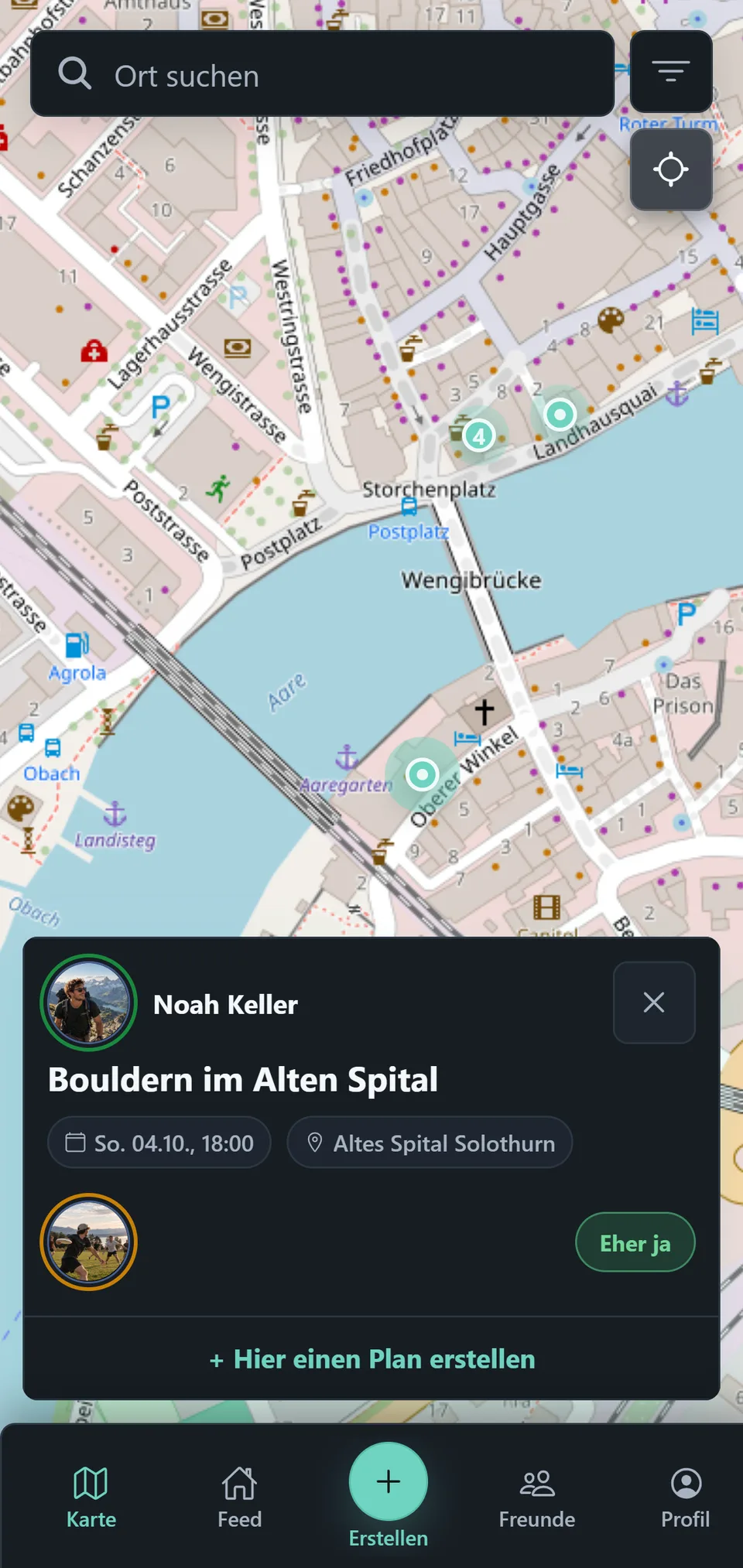
Plan visibility
Under Visible to, choose All Friends or Groups for each plan. Without a selected group, all friends you have added can see it. Choose groups and the people in those groups can see it.
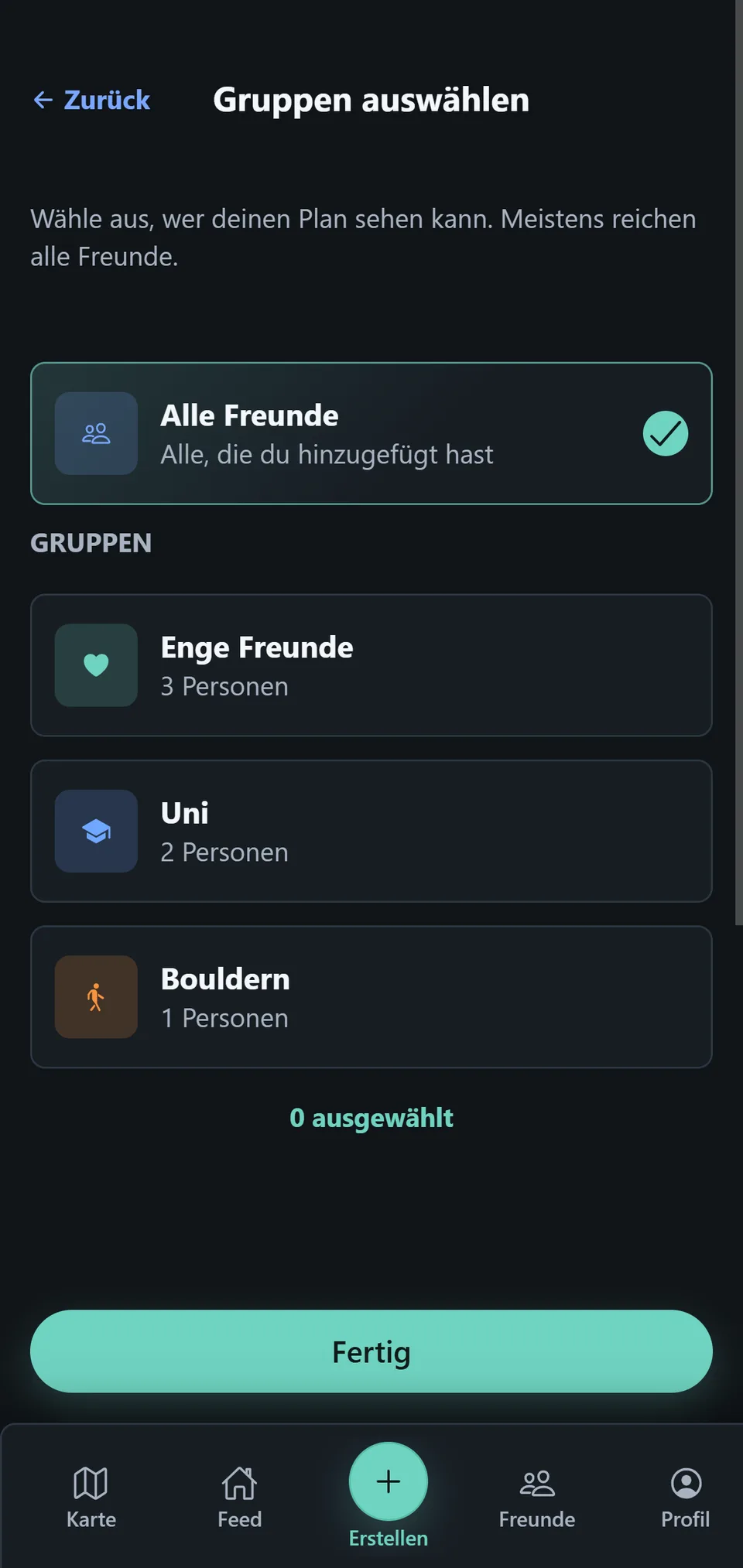
Protection through blocking
Block removes the connection, group assignments, and discoverability between two people. Blocking describes the exact visible effects and how to unblock.