
Guide
Blocking
Remove someone from your PTB circle and stop future contact.
Find Block in the ⋯ menu of a person’s detail view. PTB first shows a confirmation so the consequences are clear.
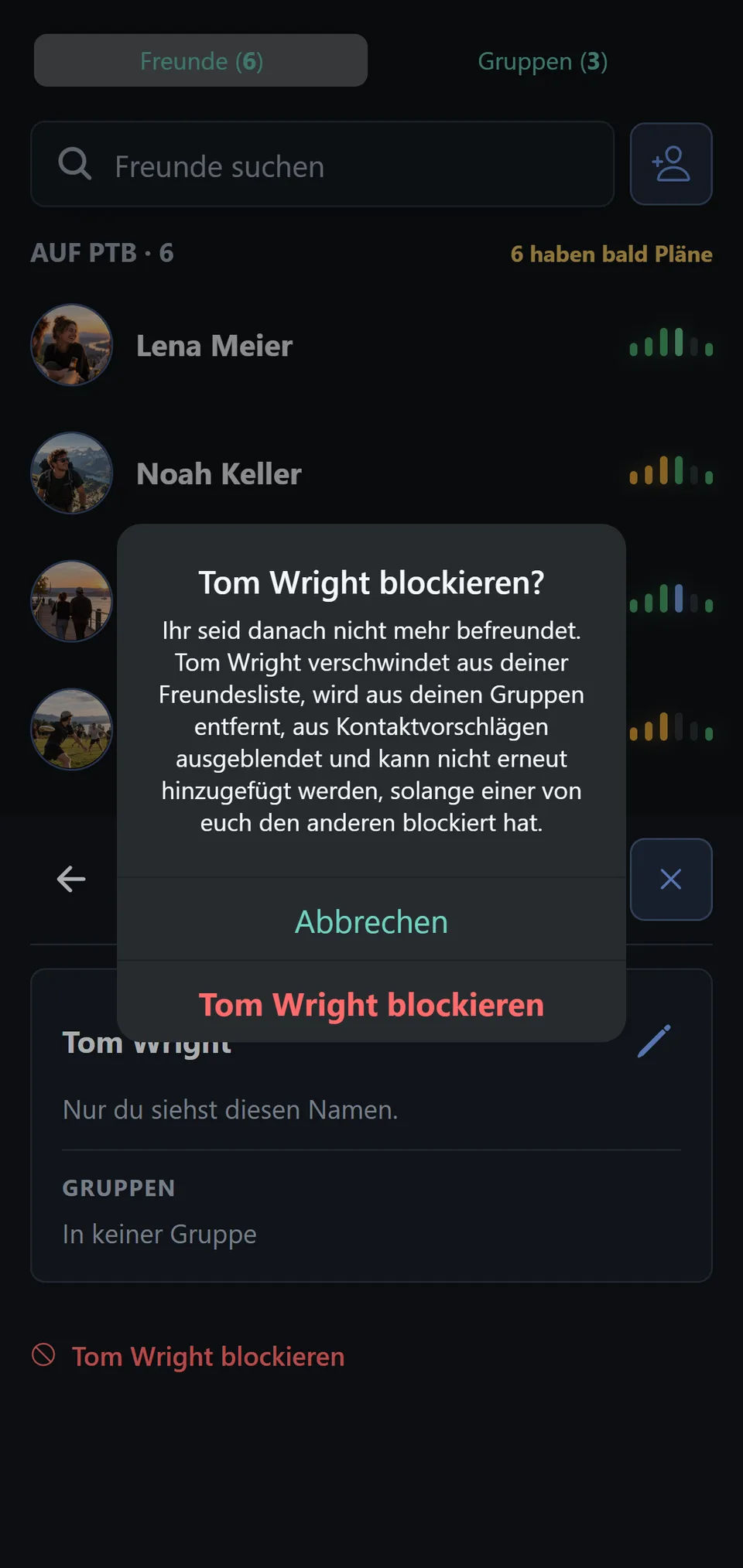
After blocking, you are no longer friends. The person disappears from your Friends list, is removed from your groups, is hidden from contact suggestions, and cannot be added again while either of you has blocked the other. Blocked users cannot see your plans or find or add you.
Manage blocked users
Under Profile › Blocked users, see the current list and use Unblock to end a block.
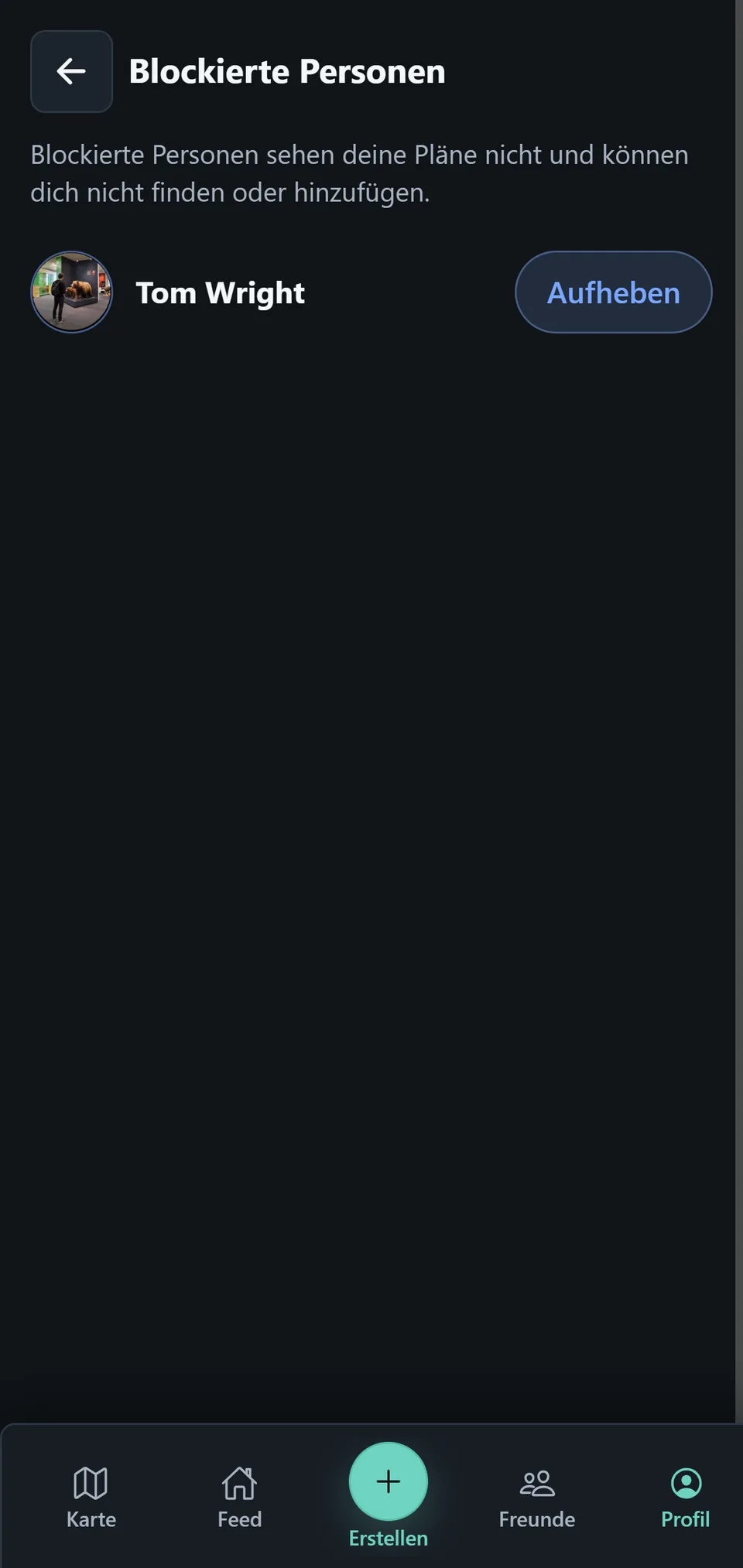
After unblocking, that person can find you again and send a friend request. Your former friendship and removed group assignments are not restored automatically.