
Concept
Groups & Visibility
Who can see a plan and how groups help define that audience.
When sharing a plan, choose its audience under Visible to. With no selected group, All Friends is the current audience: everyone you have added as a friend.
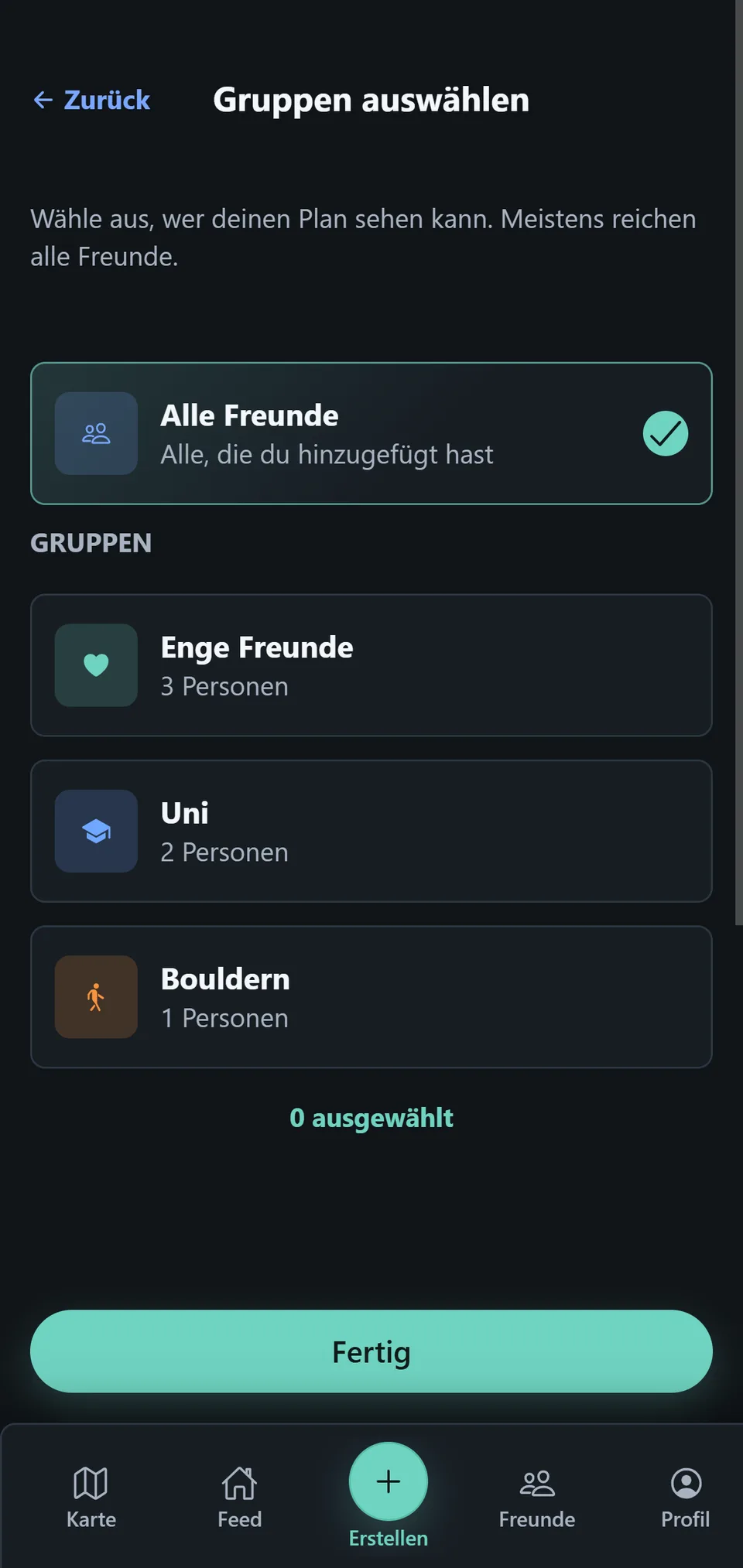
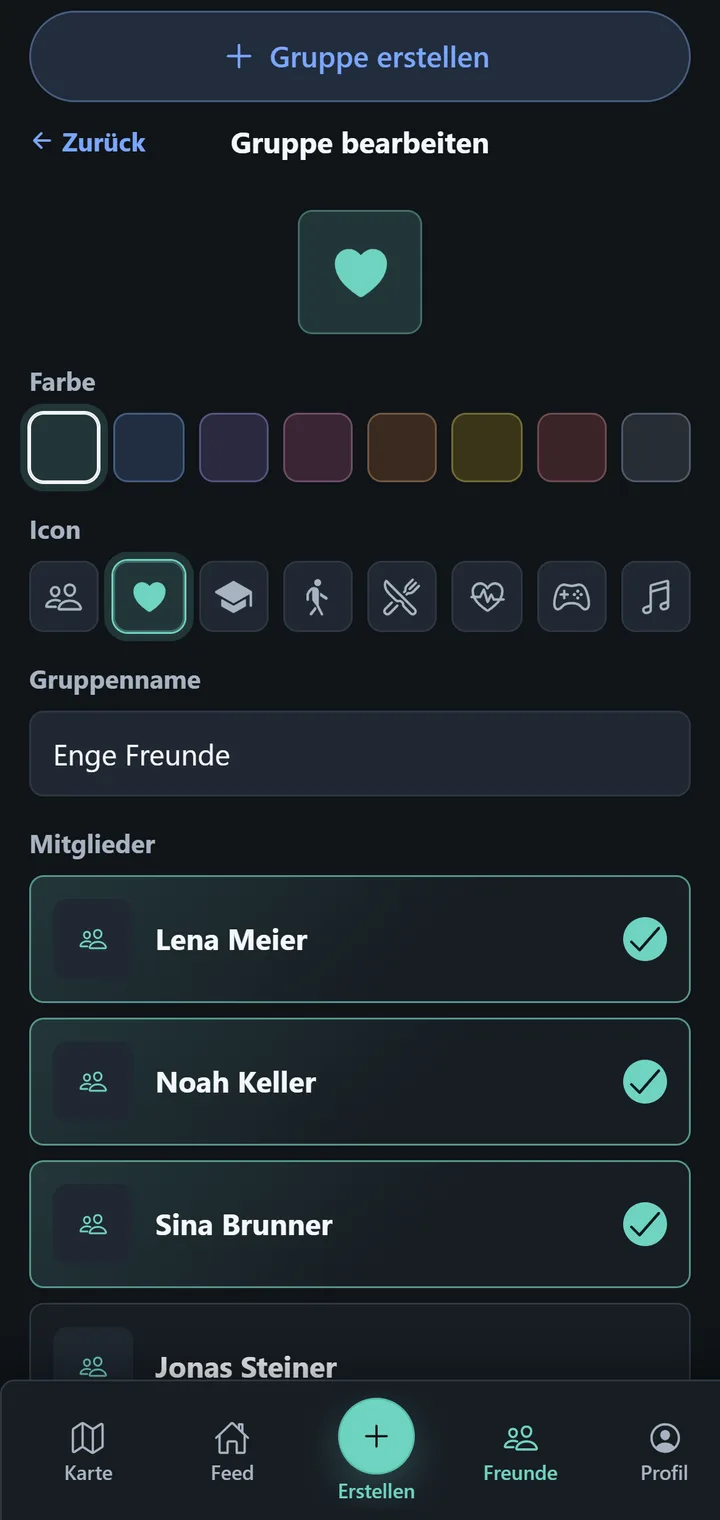
When you select Groups, the people in those friend groups can see the plan. Groups are only an aid for that visibility; they are not a chat and do not create a separate conversation.
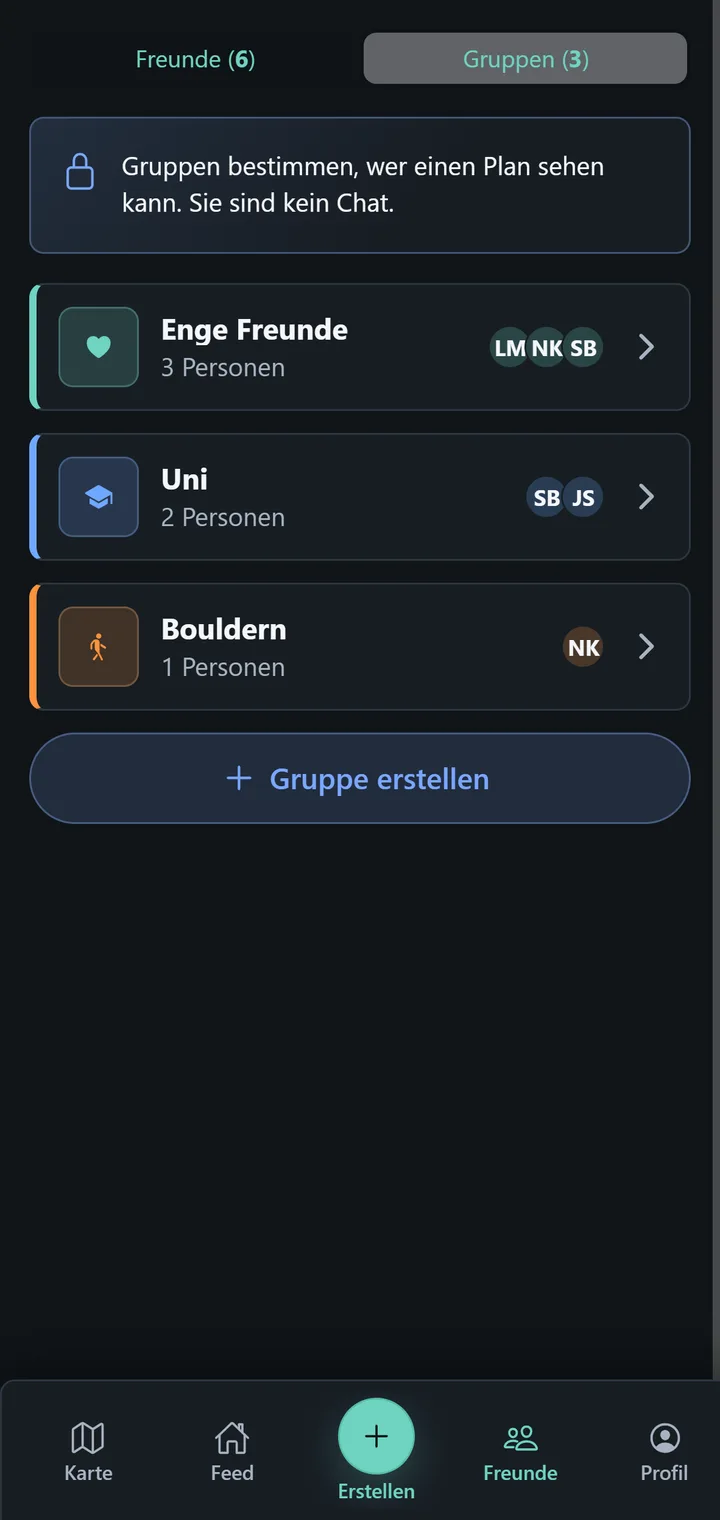
For your own plan, Plan Details shows under Invited whether All Friends or selected groups apply. This page describes the current app behavior, not any broader resharing or invitation-transparency controls.