
App area
Plan Details
Every detail, participant, signal, and conversation for a plan.
Plan Details open from the Feed, Map, or a Friends view. At the top are the title, the person who shared it, and its date, time, and place when one exists.
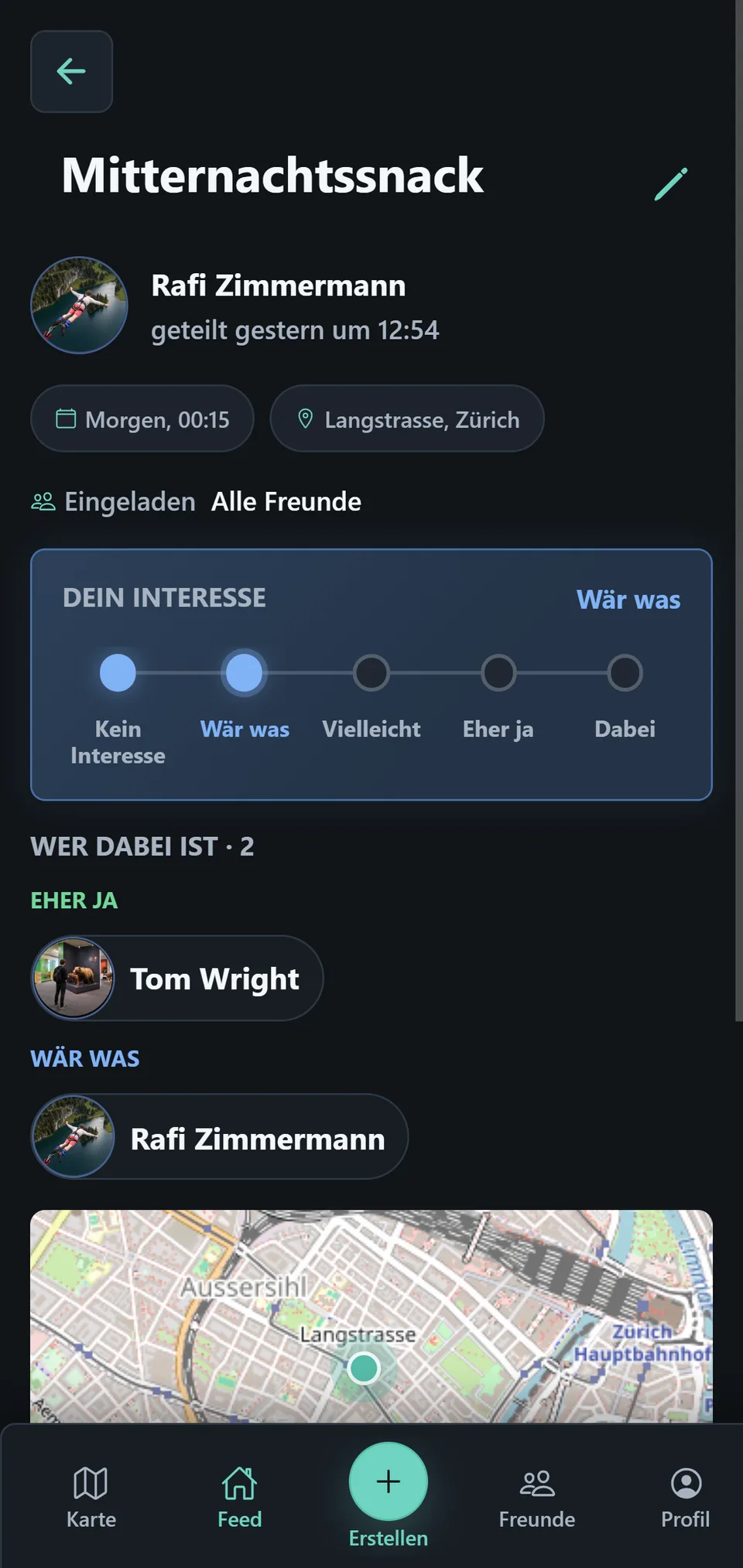
For your own plans, Invited shows whether All Friends or selected groups can see it. A New or Changed badge indicates the current read state; New & Changed explains its exact meaning.
Under Your signal, choose your assessment. The participants area groups people by their signal.
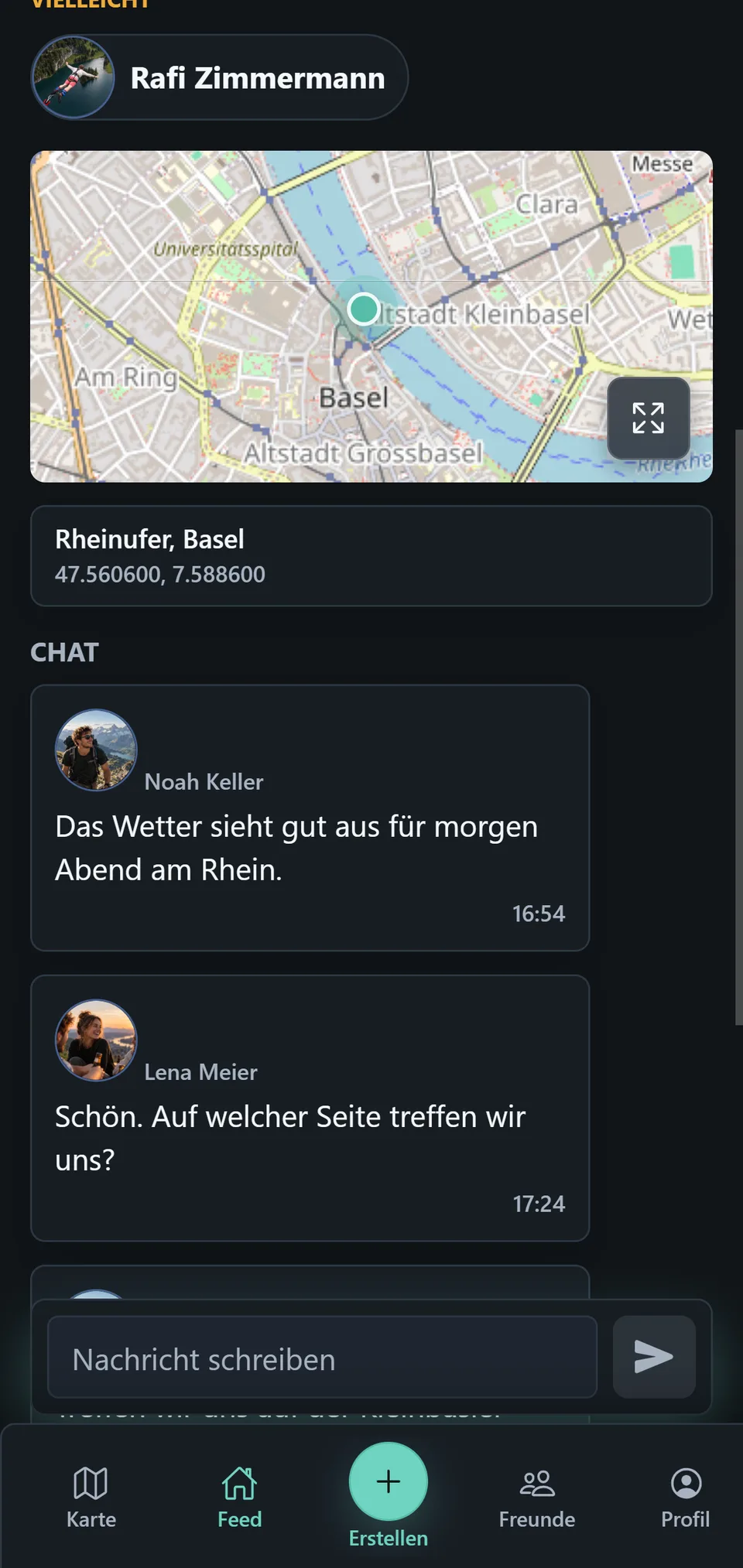
When a place is attached, the detail view shows a map preview. The icon at its bottom right opens the fullscreen Map, and tapping the place card below it copies the coordinates. You can tap the participants’ profile pictures to view them enlarged. The Chat always belongs to this one plan.