App area
Feed
Your overview of visible plans, signals, messages, and changes.
The Feed shows visible plans in your circle. It groups them by time and brings together new ideas, signals, messages, and changes.
Feed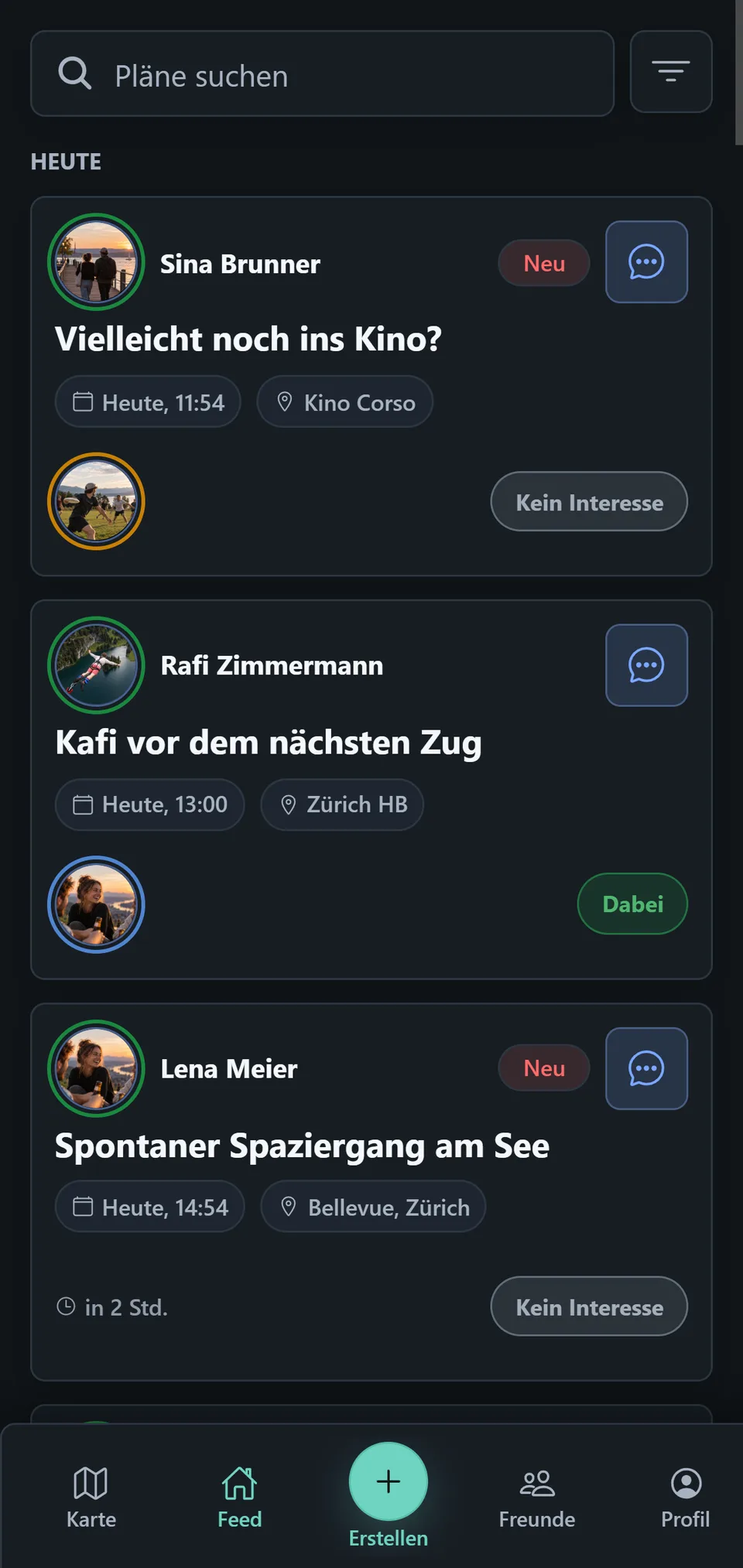
Read a plan card
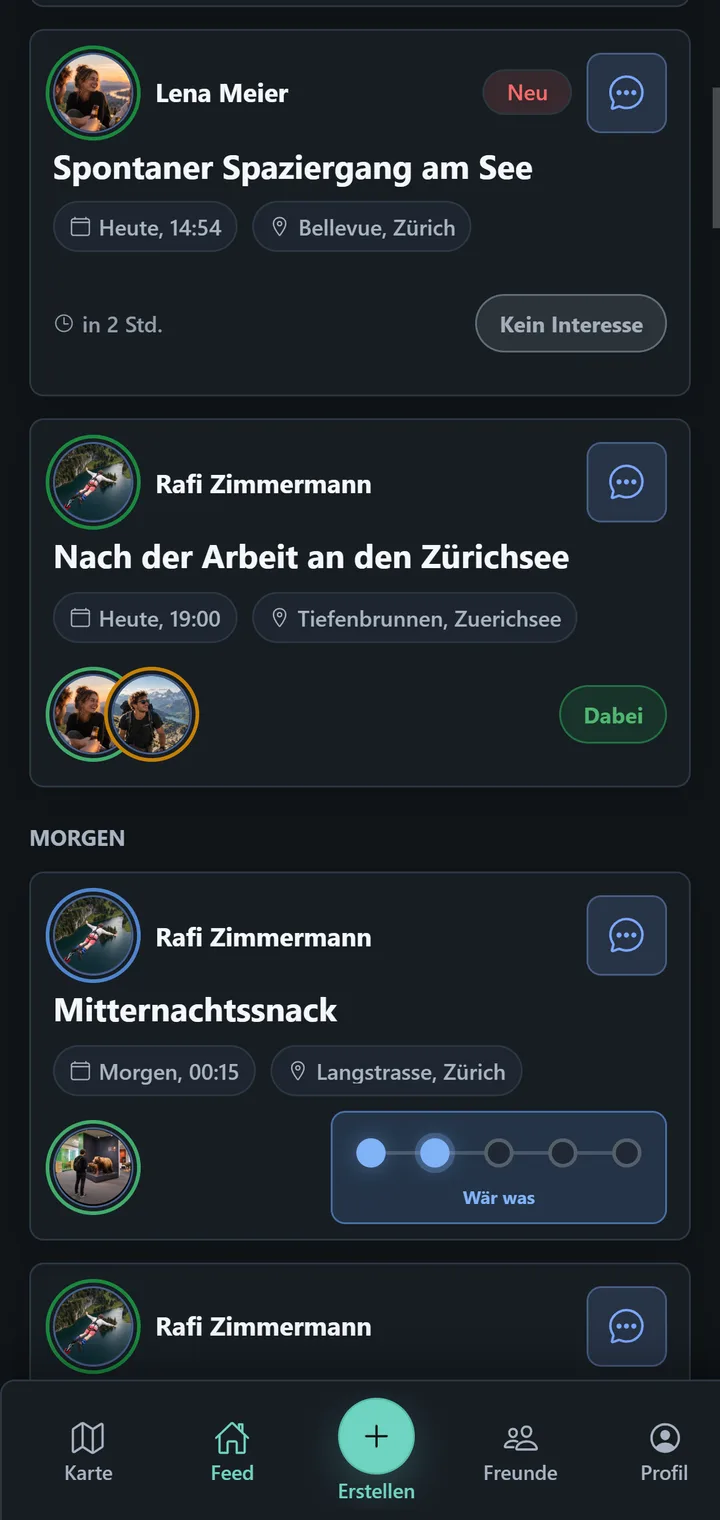
A plan card shows the person who shared it, its title, date and time, and a place when one has been attached. Avatars and signals make participation visible. Tap the card for Plan Details; the message icon opens its chat directly.
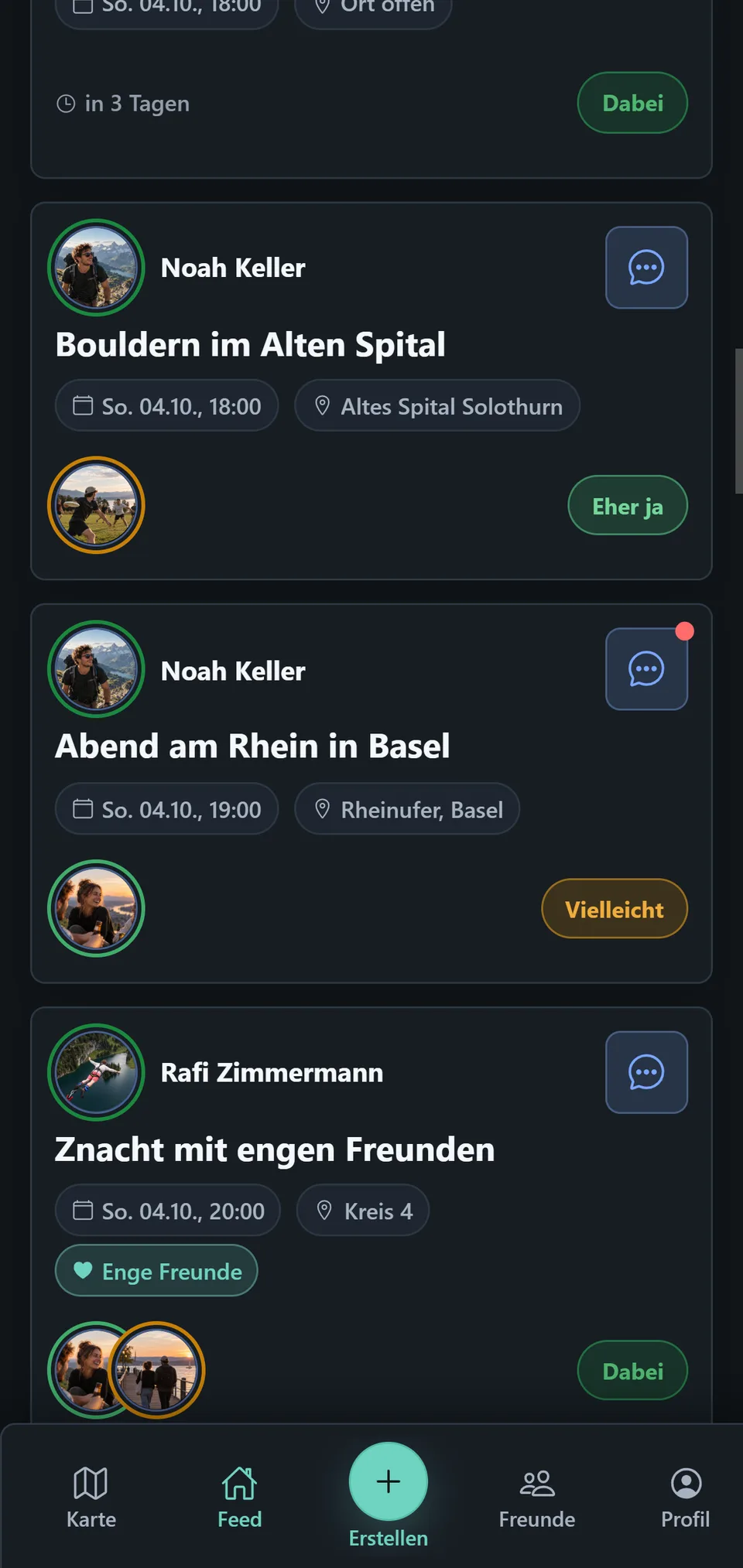
Tap Your signal to choose or change your assessment. Signals explains the five states and their meaning.
See what matters to you
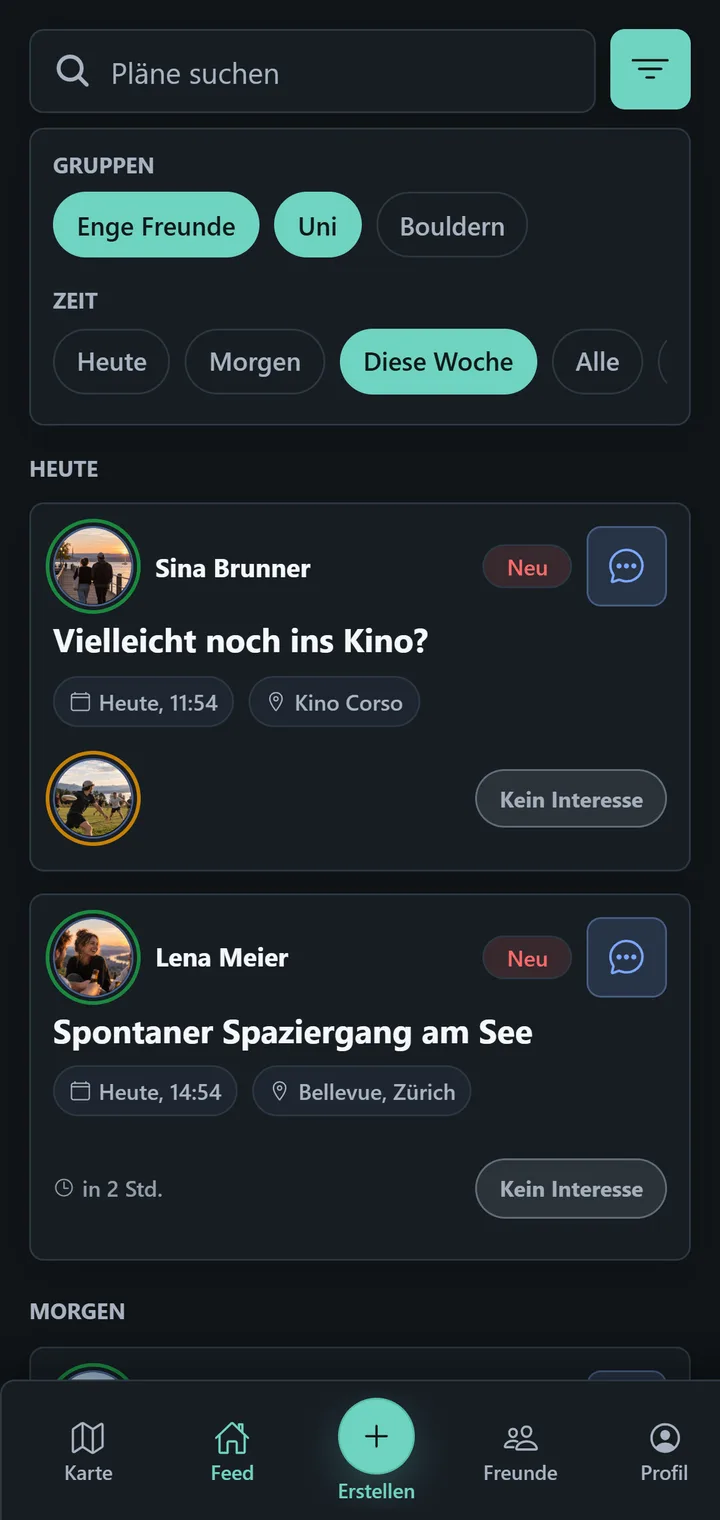
Search or open Filter to narrow the list by time or groups. New and Changed are not time labels; they are based on your read state and explained in New & Changed.