
Guide
Create your account
Sign in with your phone number and enter the verification code.
When PTB opens, it asks for your phone number. Enter it on the sign-in screen and continue.
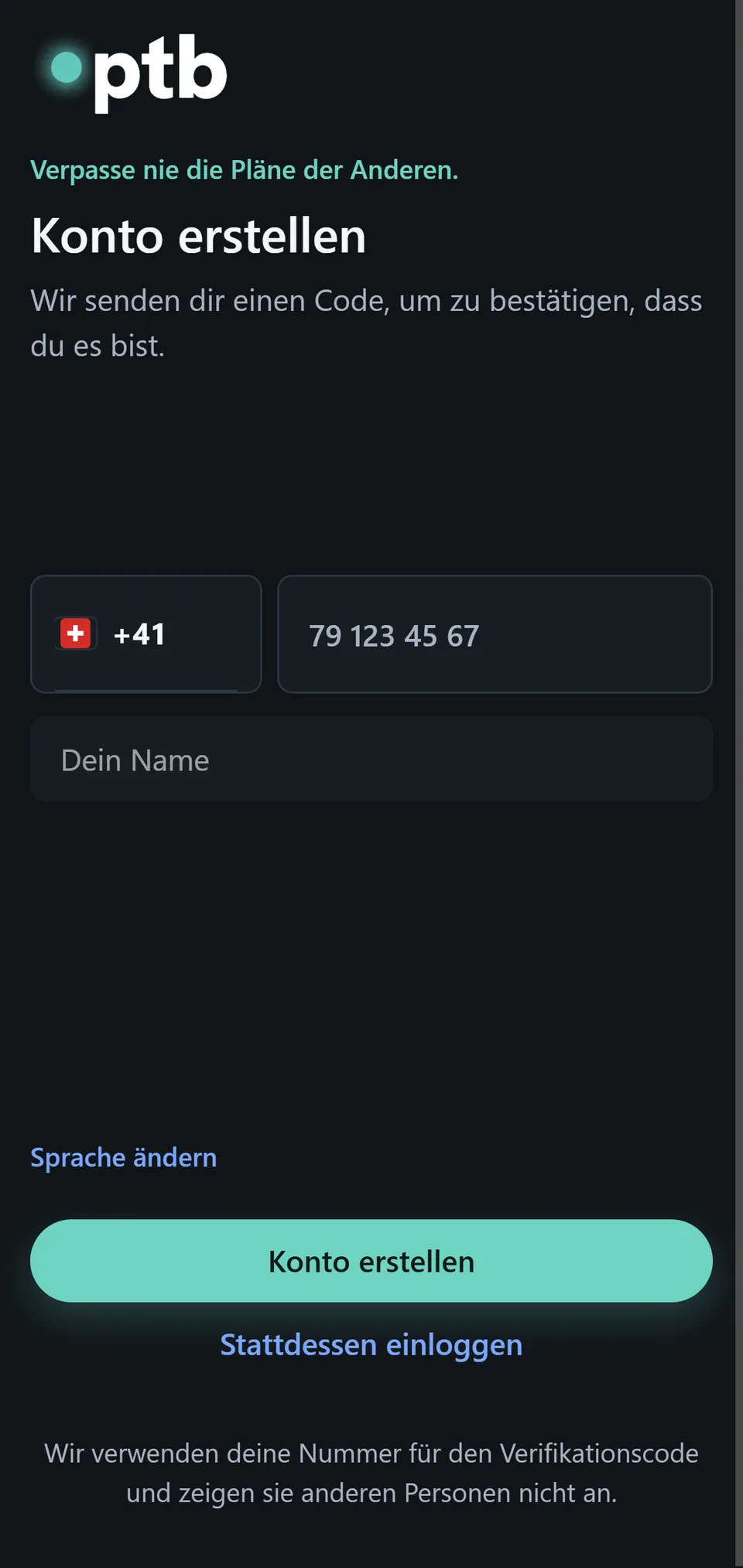
PTB then sends a one-time verification code. Enter that code on the next screen to confirm your account.
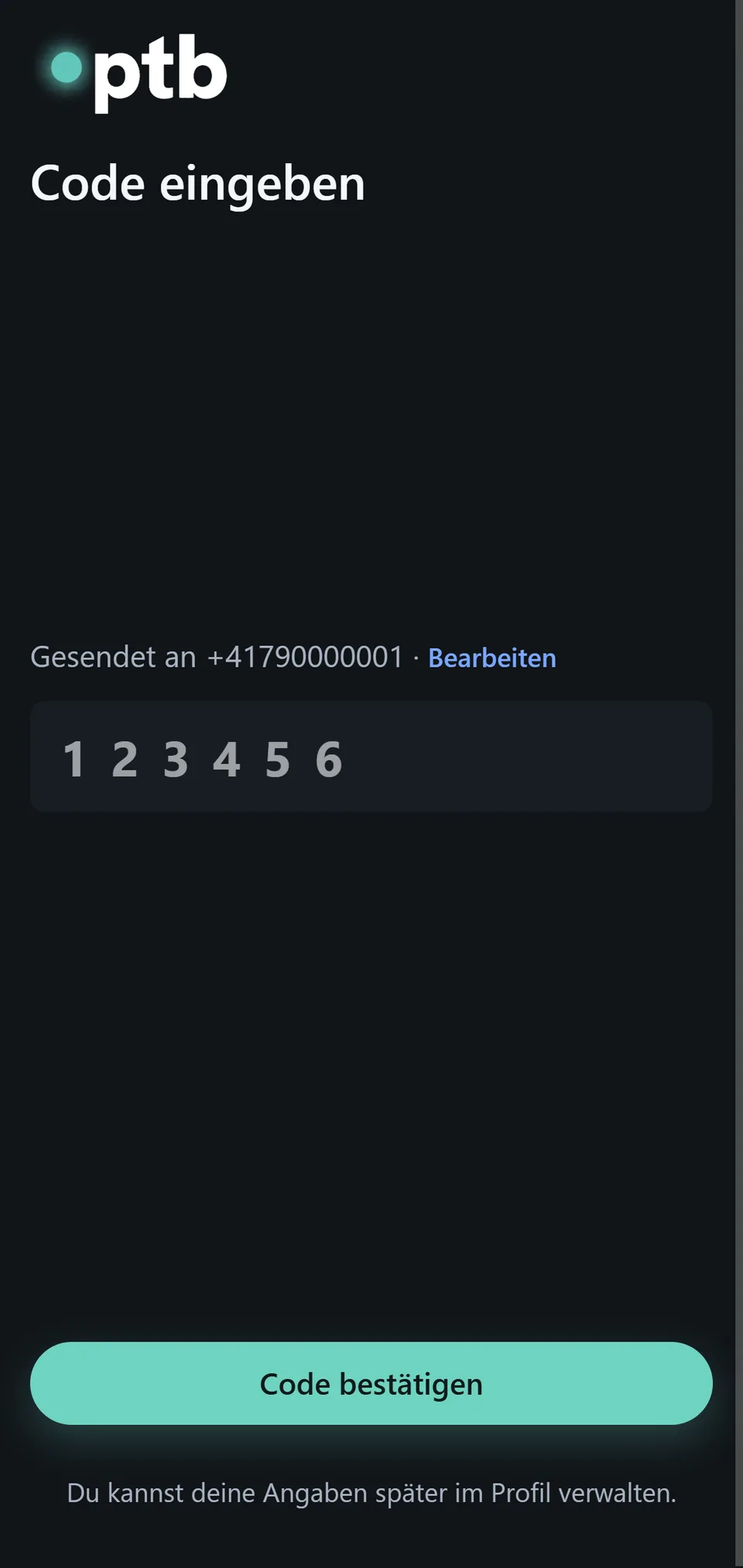
If the code does not arrive, check the number and your device connection before trying again.