App area
Friends
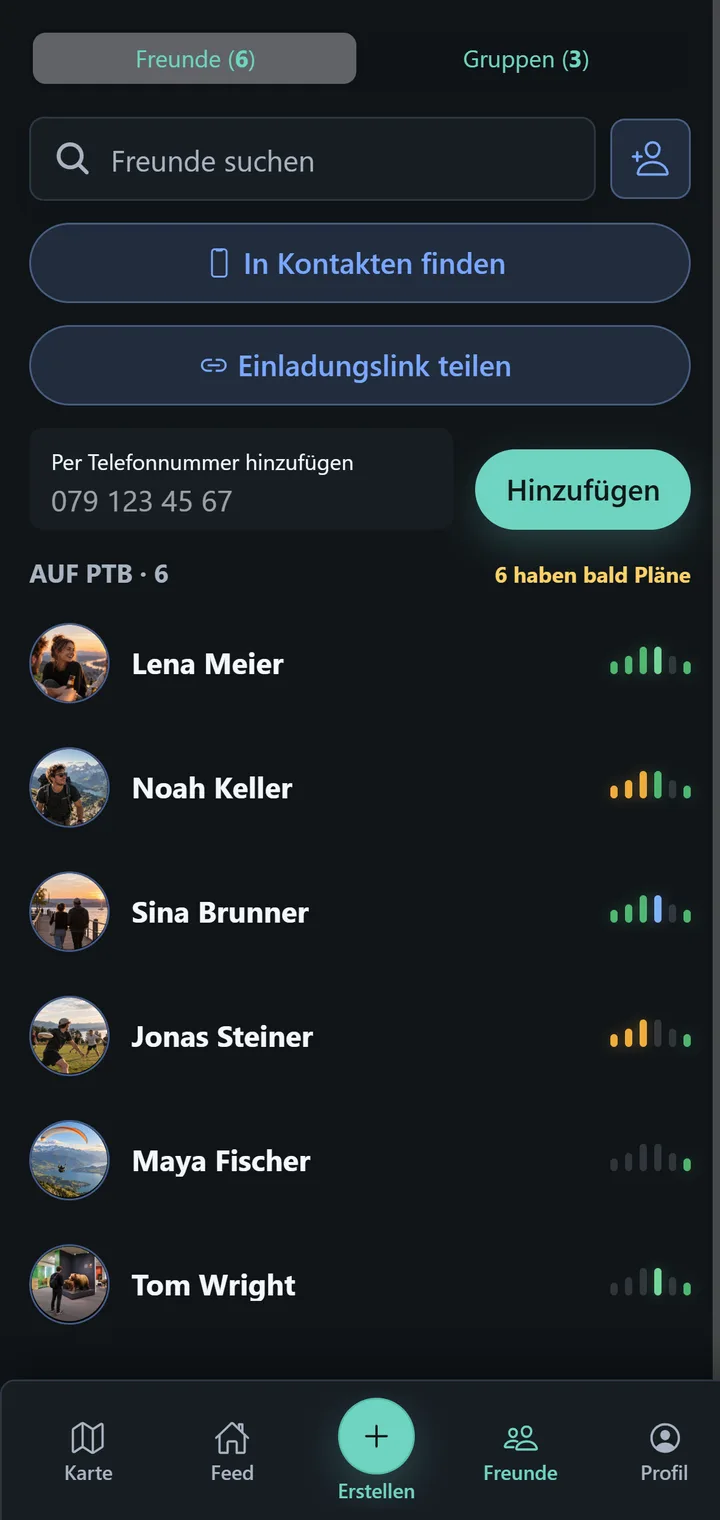
See your circle, their upcoming plans, and person-specific details.
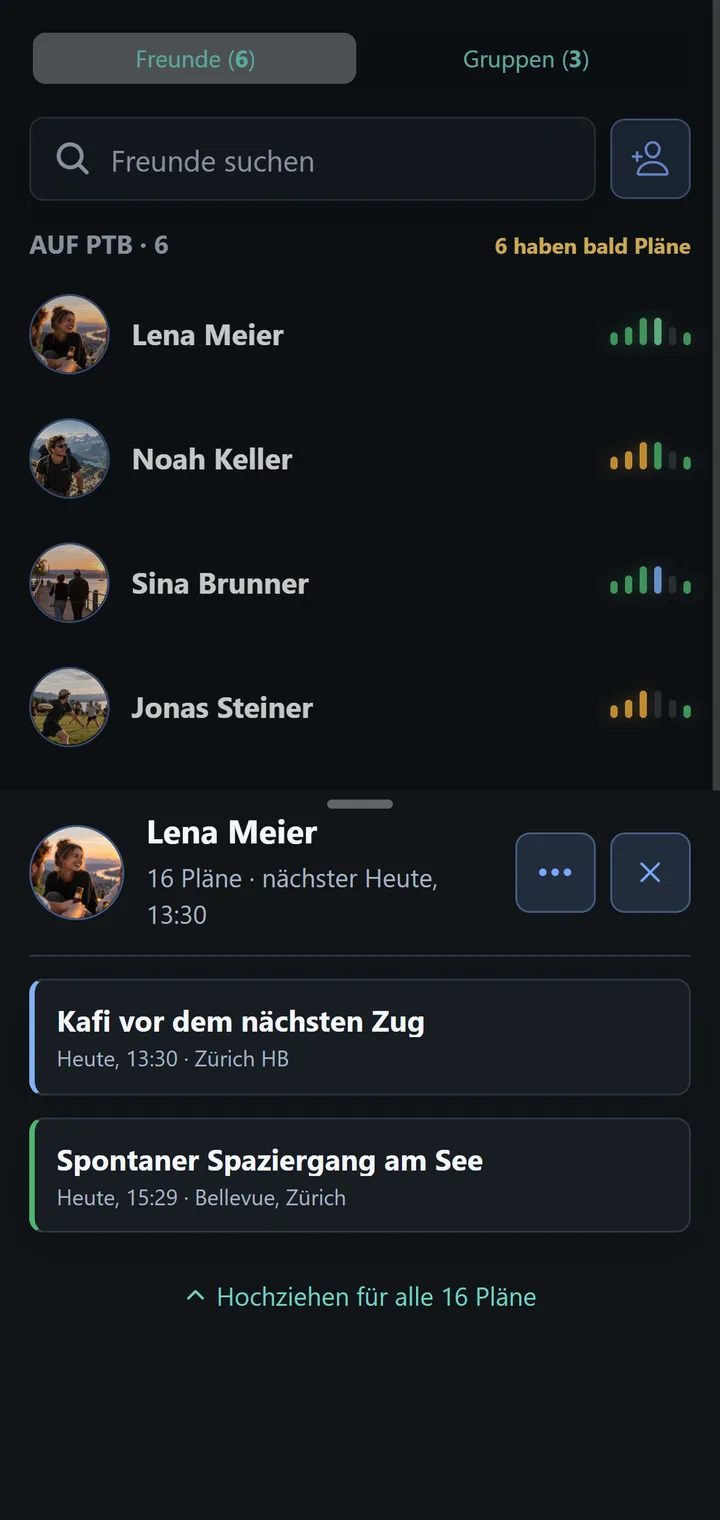
Friends is your PTB circle. Each row summarises a person’s upcoming plans; the small bars show which time periods those plans fall into.
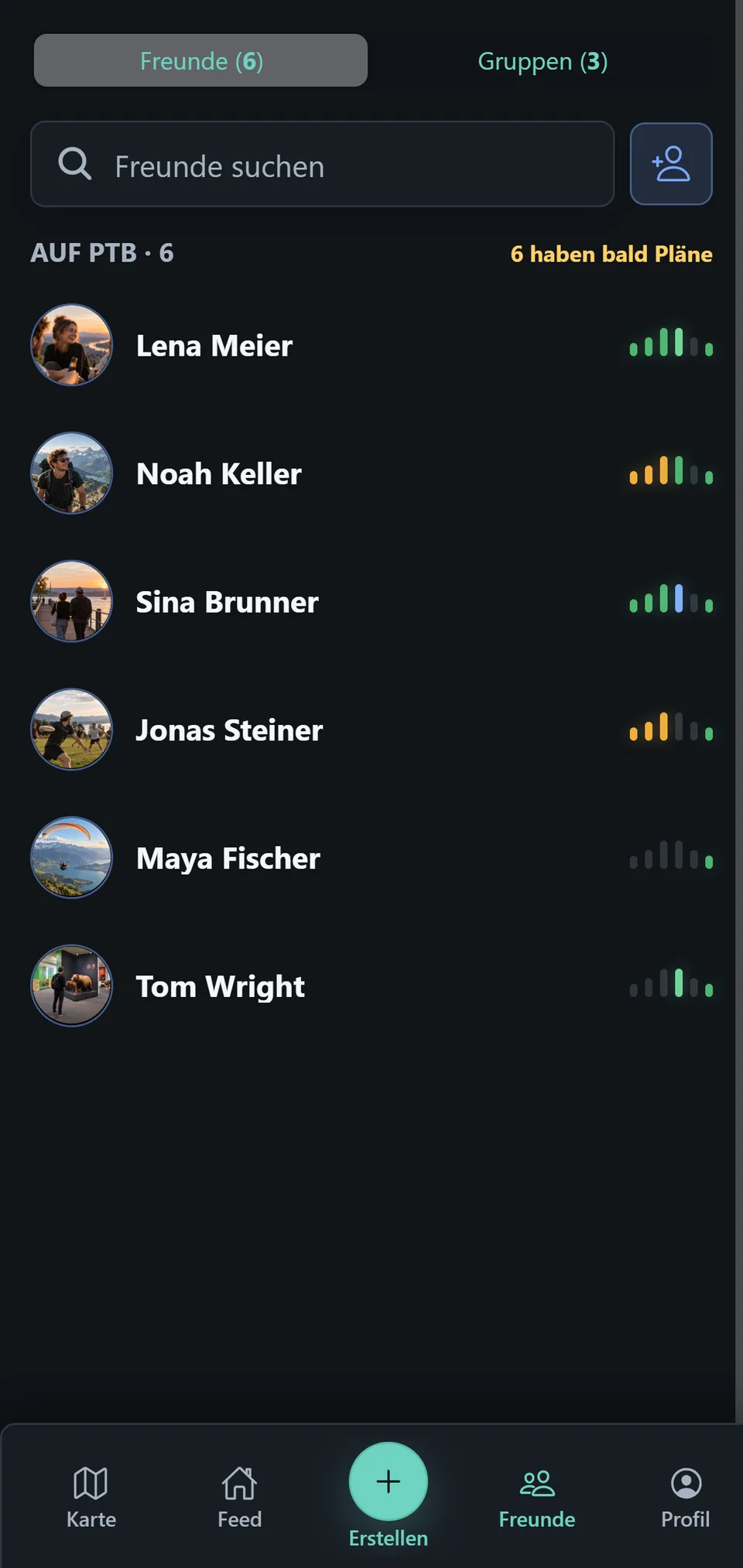
Those bars are the Soonness Indicator. They are not a progress bar; they are a time-based summary of matching plans.
A friend’s details
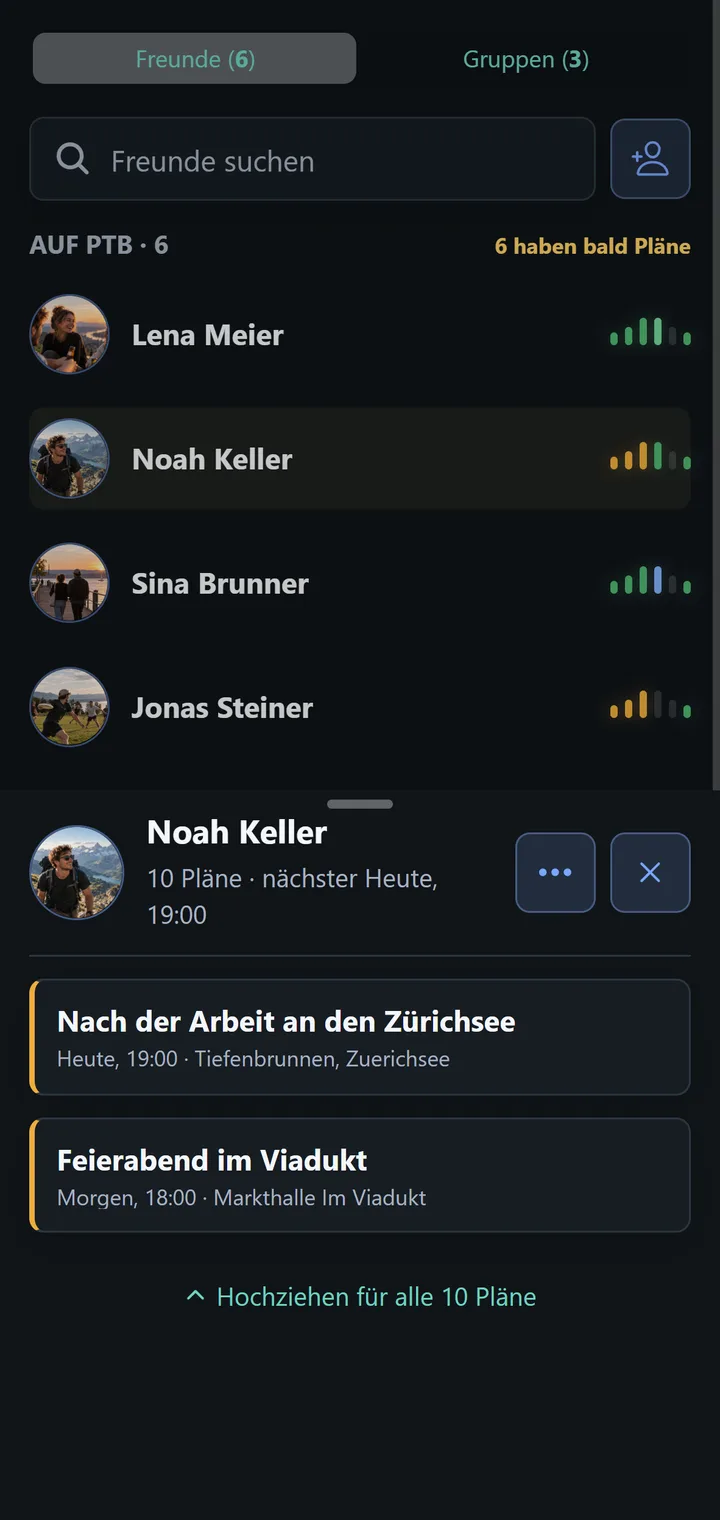
Tap a person to open their plan overview. It groups plans into upcoming periods; expand a plan card to read more or open the plan itself.
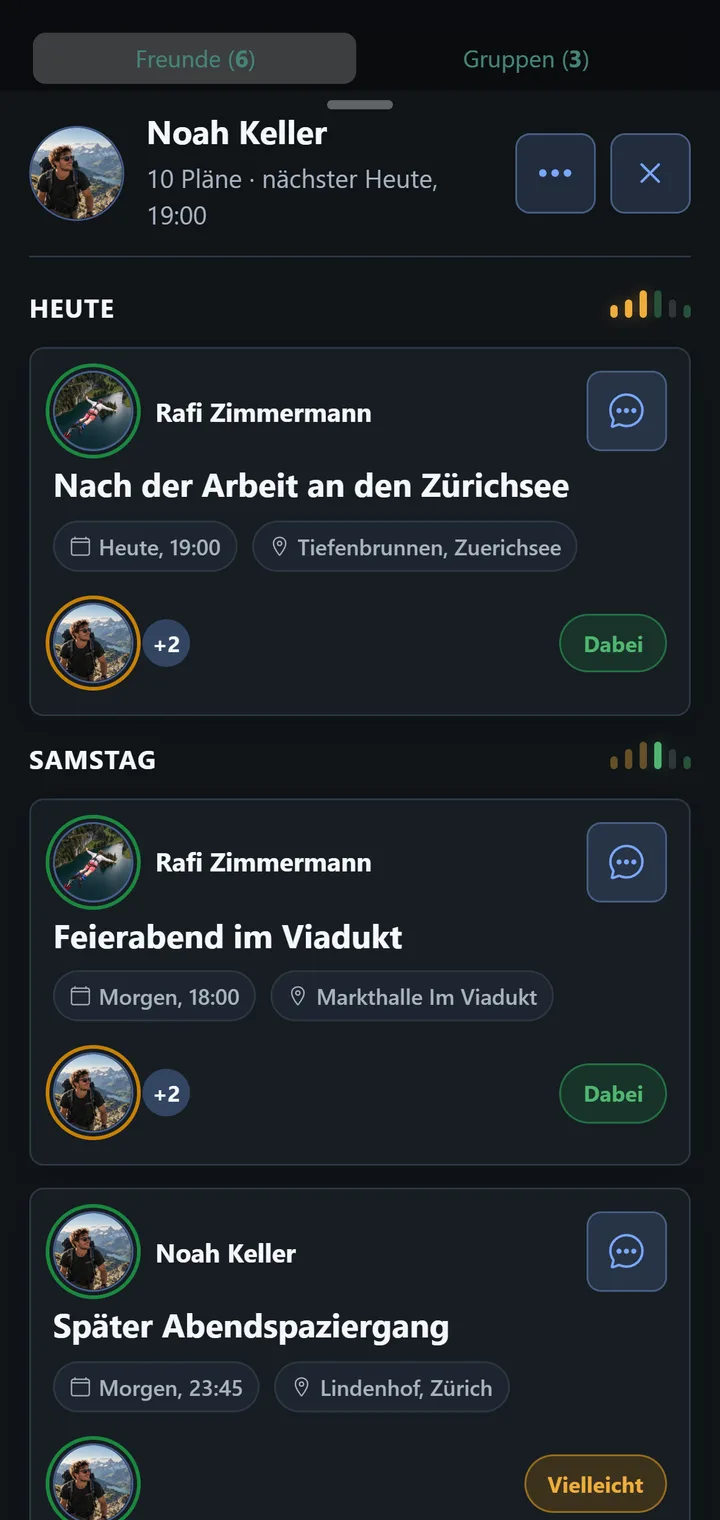
View a profile picture
A profile picture is more than the small round avatar. Tap the person’s profile picture in the header of the detail view, and PTB shows it enlarged in its own view, with the name below. Use the X at the top right, or tap next to the picture, to go back.
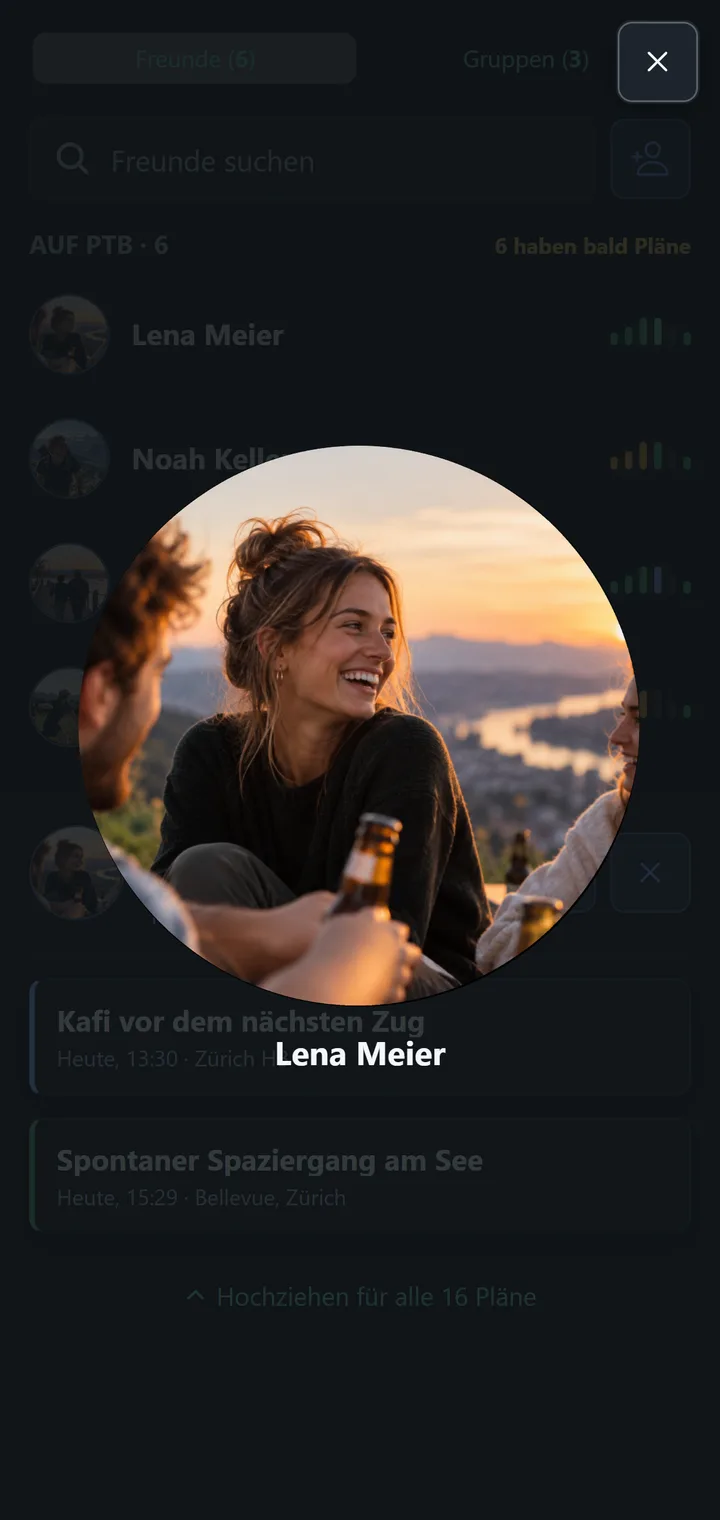
The same works in Plan Details for the person who shared the plan and for every participant. If someone has no profile picture, PTB shows their initials; there is nothing to enlarge.
Names and protection
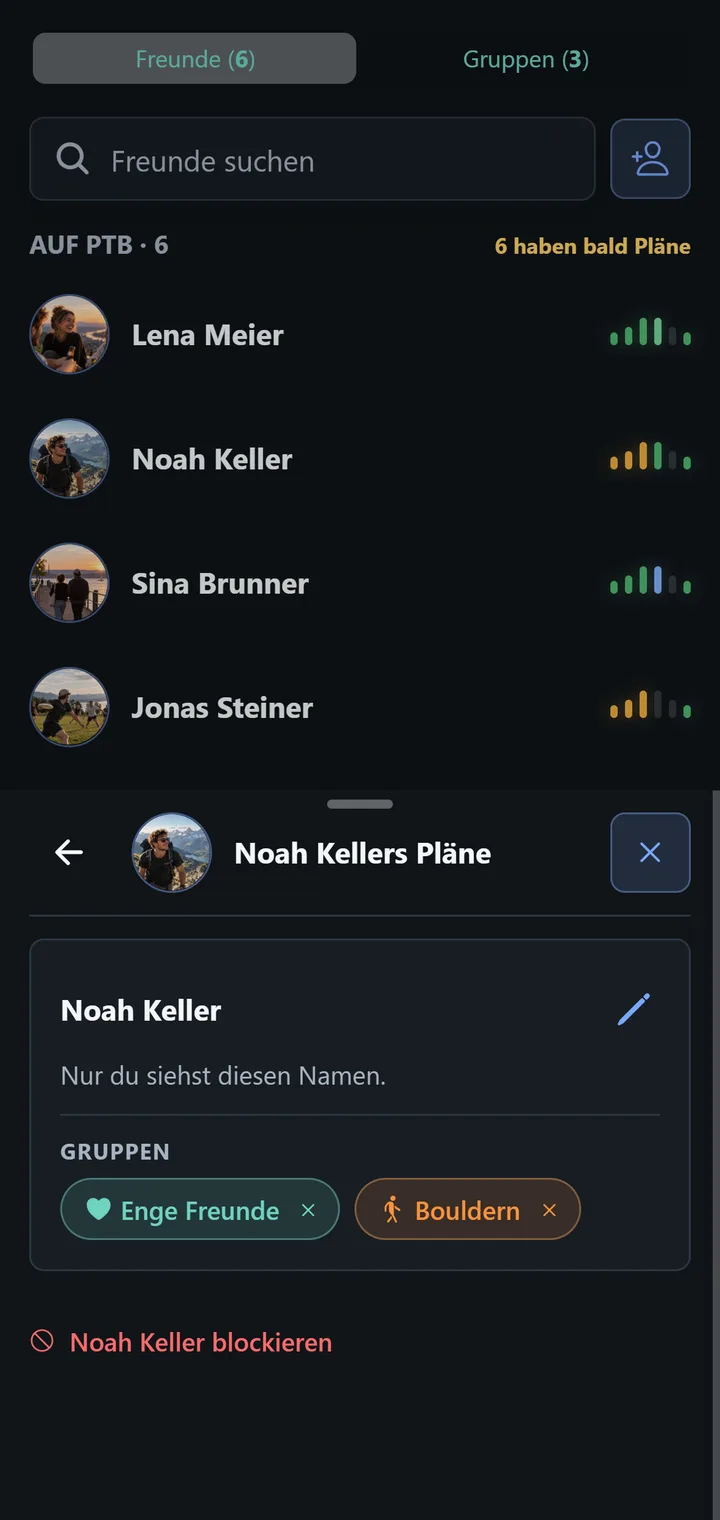
The edit controls let you set or change a name for yourself. That alias is visible only to you. The same detail menu contains Block; see Blocking for its consequences.